Auto-Play, Muted, Looped: The 3 Audio Rules for Your Product Videos
There are three rules every product video that should sell on a listing page has to follow. Break one of them and you give away most of the impact. And why an audio track still belongs in the file even when no one hears it.

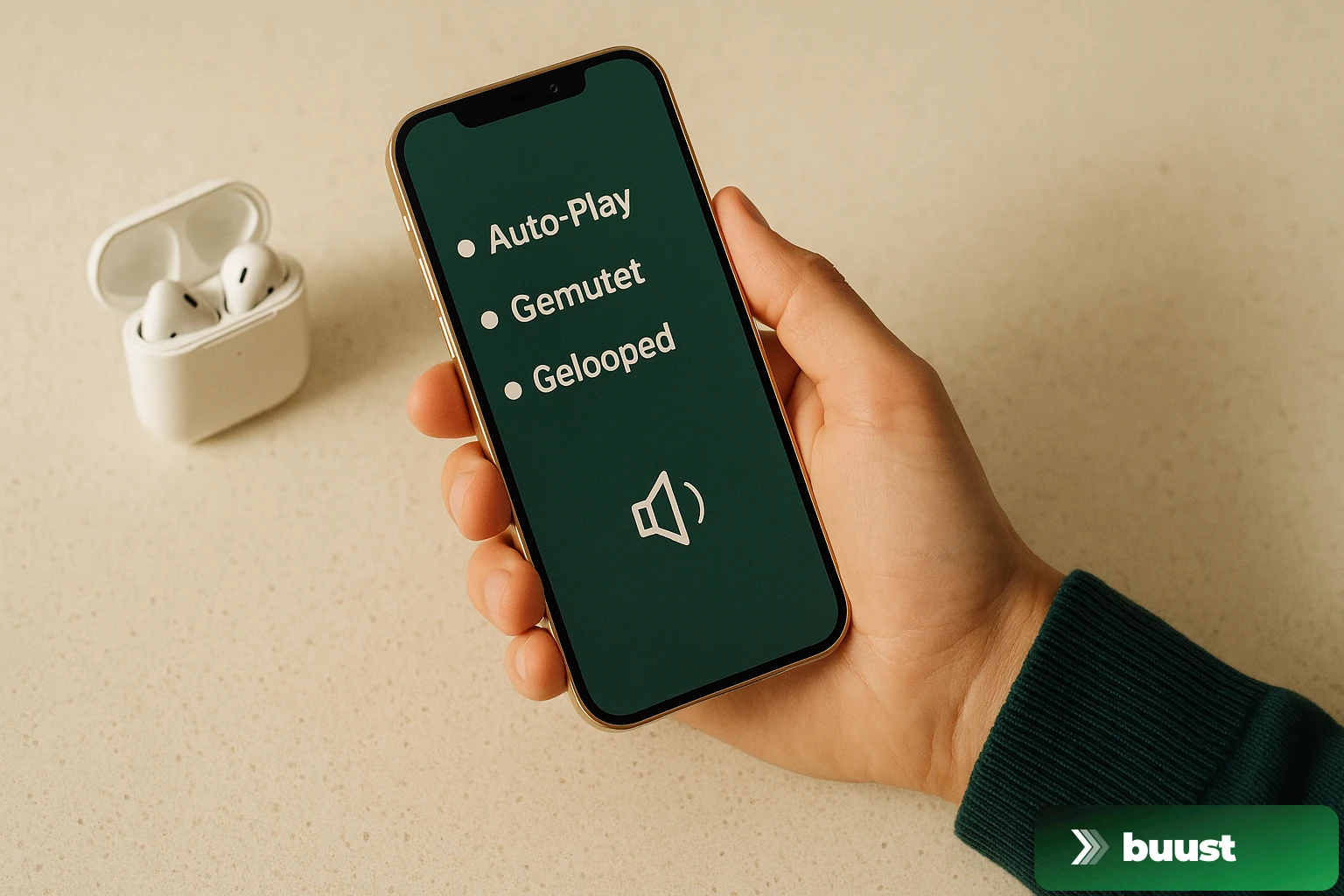
There is one thing that is cheaper than any conversion optimization and brings more than most theme tweaks: configuring your product video technically so that it can even unfold its effect.
Sounds trivial. It is not. Three out of four sellers who upload videos break at least one of the three rules — and waste half the impact the video was produced for.
Rule 1: Auto-play is not negotiable
If the buyer has to click a play button first, the video is dead. Period.
The entire effect of a product video lives in the thumb stop of the first second. A buyer who just opened the page scans visually — image, price, title. If the main image is a video that starts running, the eye sticks. If it is a still with a play arrow on it, they scroll past like every other photo.
Studies on video engagement on product pages show: manually started videos get played by under 8 percent of visitors. Auto-play videos get seen by 100 percent — even if not everyone watches to the end.
That is the difference between a conversion asset and a decoration.
Rule 2: Default muted, always
Equally non-negotiable is rule two: sound starts off. Two reasons, both hard.
First: browsers block autoplay with sound. Since Chrome introduced this policy in 2018, it has been standard in every modern browser. A video with sound on does not start at all — it stays frozen or shows the native play button. Anyone thinking "with sound it is more impressive" produces, in practice, a video that never plays.
Second: buyers react hostile. Even when the browser allows sound — e.g. for returning visitors who have unlocked sound on the domain — most people experience sudden sound as invasive. The speaker blares, the coworker in the open-plan office turns around, the tab gets closed immediately.
Starting muted is the only configuration that works on all platforms, in all browsers, in all contexts.
Rule 3: Loop without end
The third rule concerns the end of the video — and it gets broken most often.
A product video must never stop. If the video runs out after 12 seconds and shows a still frame, the page looks like something broke. The buyer thinks for a microsecond "huh, it is over now" — and that is exactly the microsecond when they scroll on.
Loop means: the video restarts immediately, no pause, no visible transition. Ideally the first frame is cut so it connects to the last without a break — seamlessly. For a 360 spin that is trivial (the spin is circular anyway), for lifestyle reels you have to put the same establishing shot at the end as at the beginning.
Loop is not a technical detail. Loop is the message to the thumb: "Something is still happening here, stick around."
Why the audio track still has to be there
Here comes the twist most people get wrong. Even if the video starts muted and nobody on the product page ever unmutes — the audio track still has to be in the file. Silent silence is fine, but the track has to exist.
Two reasons:
- Buyers unmute later on social, on TikTok, on the second visit on mobile. A video without an audio track looks broken then — no waveform icon, no mute toggle, just nothing. That undermines trust.
- Algorithms downrank videos without audio. Instagram, TikTok, YouTube and also Pinterest have built in signals that classify videos without a sound track as low quality — often with reduced reach. On marketplace pages it does not matter, on social it is hard cash.
The fix is trivial: even a silent track (ambient, soft music bed, or actual silence as an encoded track) is enough. What matters is that the track exists.
Platform specifics you need to know
Not every platform implements the three rules the same way. What you should know:
- Shopify — respects your configuration fully. Auto-play, muted, looped: all controllable via theme or app setting. A well-produced file runs here as intended.
- eBay — eBay shows videos in the new listing format only auto-play and only in certain slots. Older listings sometimes do not render videos as a main asset, only in the gallery. Important: short, muted, looping.
- Amazon — Amazon product videos start on hover on desktop, automatically on mobile. They do not loop in the gallery preview, only in the expanded player. So the cut at the end has to sit such that a single playthrough carries the whole pitch.
- OTTO Market — auto-play in the new PDP, muted, target length under 30 seconds.
- Instagram Reels — loop always, sound depends on user setting (mute-by-default since 2024), hook in the first 1.5 seconds is everything.
- TikTok — fully automatic, with sound, looped. Here a real audio track matters most — TikTok without sound is reach suicide.
- YouTube Shorts — auto-play, sound depending on user, loop. Behaves like TikTok for the algorithm.
What concretely changes when you follow the rules
- Higher view-through rate across all platforms, because the video starts at all
- Longer dwell time on product pages, because the loop holds the thumb
- Better reach on social, because algorithms read the audio track as a quality signal
- Fewer support tickets like "the video does not play for me" — those almost always come from audio auto-play violations
Where sellers fail in practice
Knowing the rules is not the problem. The problem is that most sellers have their videos produced externally or export from a tool that does not set these defaults. The export preset of an editing app is optimized for YouTube: high resolution, long form, with sound, without loop cut.
Anyone who loads that file 1:1 onto their product page has a video that may look impressive — but breaks all three rules. Thumb stop equals zero.
The pragmatic way out
With Buust the three rules are not a question — they are the default. Every generated video starts auto-play-ready, with a silent audio track, with a seamless loop, with per-platform-optimized encoding. You pick template and product, the system handles the technical hygiene.
Start for free and upload one of your existing product videos — you immediately see whether it follows the three rules or not. If it does not, Buust generates the correctly configured version for you in a minute.
Common questions on the topic
Why should a product video start muted by default?+
Because modern browsers block unsolicited sound — a video with sound will not even start on most pages, it stays black or shows a play button. Buyers also experience suddenly starting sound as aggressive and close the tab faster.
If no one hears the sound, why have audio in the file at all?+
Because buyers unmute later on social and on some listings — and a then-silent video looks broken. Plus many social algorithms classify videos without an audio track as low quality and throttle reach. Audio belongs in, even if it is silence.
Does a video loop automatically on every platform?+
No. Shopify and Amazon usually loop automatically, eBay sometimes does not depending on the display slot, social Reels and Shorts always loop. A video that cannot loop should be cut with an ending that flows seamlessly into the beginning.
What about spoken voice-over?+
On product pages mostly pointless, because the video starts muted and nobody unmutes. On social Shorts and TikTok voice-overs work well, because many users scroll with sound on. Rule of thumb: separate voice-over version for social, silent version for listings.
Ready to switch your listings to video?
10 videos free. No credit card. Connected in under 5 minutes.
Keep reading
Try it on right in your shop: how virtual try-ons cut returns
The most expensive return is the one that should never have happened — ordered "in two sizes to try". A virtual try-on answers the "does this suit me?" question before the purchase. Here's how try-on works in your own shop.
The Buust Score: how well does your listing actually sell — and what to do next
Most listings aren't bad — they're just weak in one spot, and nobody tells you which one. The Buust Score turns "optimize it somehow" into a single number and exactly one next step. Here's how to read it.

Seven Out of Ten Add to Cart — and Never Buy: Where Your Ready-to-Buy Visitors Disappear
They searched for your product, found it, added it to the cart — and vanished. These are not random visitors, these are your most ready-to-buy customers. Why they bail at the last moment — and how to kill the doubt before it kills the sale.