Amazon Posts vs. A+ Content vs. Product Video: What Actually Ranks in 2026
Three content levers, three very different effects. Anyone serious about selling on Amazon in 2026 needs to understand what Posts, A+ Content and product video each do — and in which order they pay off.

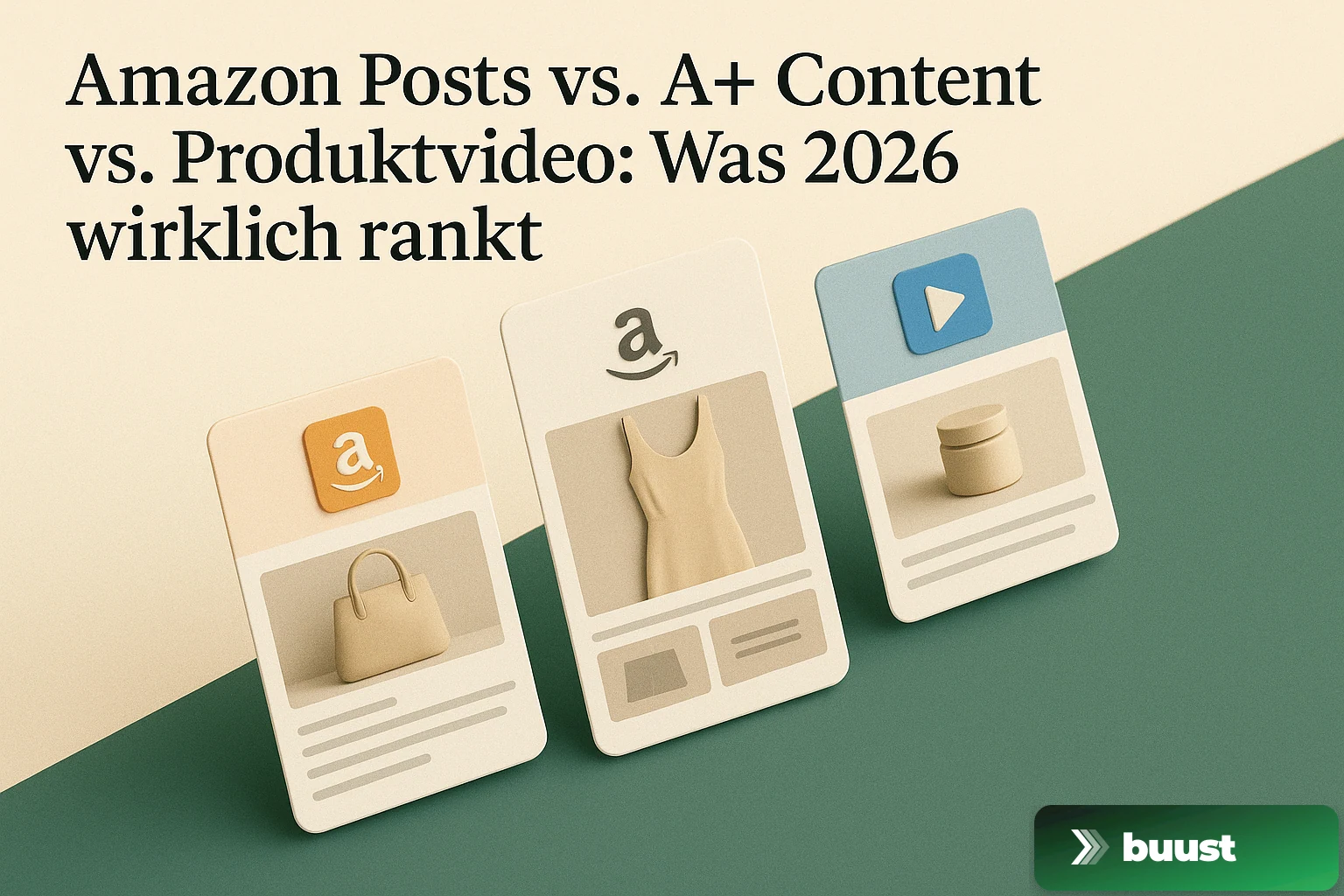
Amazon has rolled out three very different content tools in recent years: Posts, A+ Content and product videos. Most sellers know all three exist — but barely anyone can clearly say where the difference is, which lever does what and where to start.
Here is the honest breakdown, based on what actually ranks and sells on Amazon in 2026.
What each of the three levers is
Product video in the gallery
The video that appears top left in the product gallery between the images. It is the first thing a buyer sees when they open the product page — right under the stars, next to the price. Usually 16:9 or 1:1, typically 15 to 60 seconds long.
A+ Content (formerly Enhanced Brand Content)
The visual block that replaces the classic product description. Instead of a wall of text, the buyer gets a storyline made of images, modules and tables — brand story, use cases, comparison tables between your own products. It sits in the lower third of the product page, below the images and bullets.
Amazon Posts
An Instagram-like feed inside the Amazon app. Sellers with brand registration can publish image posts that appear in the app under "Brand Feeds" and below related product pages. Reads like social, but lives entirely inside Amazon.
Three very different tools. Three very different effects.
What works where — and why
Product video: highest direct conversion lever
The video sits in the area where the buying decision actually gets made. A buyer who has scrolled to the product page is warm — they need to be convinced to click now. Motion in that spot stops the eye, holds attention longer, and delivers information in seconds that text never lands.
In practice: conversion lift between 5 and 25 percent on the product page. Strongest for fashion, furniture, sports equipment and anything that has to be seen in use. Significantly smaller for standard consumables (printer paper, screws, vitamins).
A+ Content: highest content depth, medium conversion lever
A+ turns a product description that almost nobody reads to the end into a visual path that many more buyers scan. You can fit in brand story, show multiple use cases, add a comparison table that highlights your own products — and through that enable cross-sell that is hard to pull off without A+.
Conversion lift is typically 5 to 10 percent, plus a measurable effect on average cart value through the comparison table. A+ does not rank itself — but it keeps buyers on the page longer, and longer dwell time is indirectly rewarded by Amazon's search algorithm.
Posts: reach lever, not a direct conversion lever
Posts are not a conversion tool for the individual product page. They are a reach tool — they make your brand visible inside Amazon, also outside the listings you already appear on. A buyer who lands on a competitor might see your post in the "Brand Feed" and click through to you.
Effect: hard to measure, but relevant in brand discovery. Sellers who work Posts well build themselves a second entry point on Amazon — valuable, but not the first lever.
What actually ranks — and what does not
This is the question every Amazon seller cares about. Here is the honest answer.
The search algorithm (A10, formerly A9) ranks directly on: conversion rate, sales volume, click-through rate from search results, order rates within the first 72 hours of a listing, reviews, sponsored ads performance and stock availability.
What it does not rank directly: A+ Content, Posts, videos. These are not themselves ranking factors — but they are conversion factors, and conversion rate is the single most important ranking factor there is. Which means: A+ and video rank indirectly, because they lift conversion, and that lifted conversion ranks the listing.
The implication for ordering: what lifts conversion most lifts ranking most. And in nearly every test, that is the product video in the gallery.
The order that works best in practice
If you want to scale seriously on Amazon and cannot do everything at once, the sensible order looks like this.
- Product video in the gallery for your top 20 ASINs. Highest leverage per hour invested. Directly visible, directly conversion-relevant, directly ranking-relevant.
- A+ Content for the same top 20. Once videos are live, replace the standard description with A+ including storyline and cross-sell table. Lifts dwell time and cart value.
- Posts from the top 20 onwards, once the brand needs broader visibility. Posts are more brand building than direct conversion. They pay off once the foundation is set.
- Then the long tail. Once the top 20 are covered with video + A+ + Posts, extend the same pattern to the next 50 ASINs.
Anyone who starts in the wrong order — e.g. polishing Posts for two weeks before the listings even have a video — wastes leverage.
Why most sellers get stuck on the video
The most common thing we hear: "We know we need videos, but we never get around to it."
There is a simple reason. Filming a product video, cutting it, rendering it in 16:9, uploading it to Amazon Seller Central and then checking whether the gallery shows it correctly — that is one to three hours of work per product. At 50 products that is several weeks. At 200 products it is a year-long project.
A+ and Posts have a similar scaling problem. What works for the top 3 becomes a burden by product 30. Most sellers start with great energy and switch to "next quarter" after the first ten ASINs — and next quarter never comes.
How to fix the video bottleneck
This is exactly the bottleneck we address with Buust. You connect your Amazon account, pull your listings, pick a template, and get a gallery video for every product automatically — in the right format, with the main image, the aspects and a clean second-by-second opening. You click once and the videos are on your listings.
This does not replace A+ and it does not replace Posts. It solves the first and most important lever without you investing hours per product.
Start for free and see what your five best-selling ASINs look like with a gallery video. If the conversion effect does not convince you, you have lost nothing — if it does, you have moved more leverage in one hour than in the last three quarters.
Common questions on the topic
Do I need Amazon Brand Registry for Posts and A+ Content?+
Yes, for both. Posts and A+ Content are exclusively available to brand-registered sellers. You can upload a product video to the image gallery without Brand Registry, but A+ and Posts require brand registration.
In what order should I start?+
Product video first, A+ Content second, Posts third. The video sits directly in the visible area of the product page and influences conversion on every click. A+ replaces your description with a visual storyline. Posts are reach extension outside the product page — valuable, but not urgent.
Can I use the same video for the gallery and for Posts?+
Technically yes, but often not wise. Gallery videos are usually 1:1 or 16:9 and product-focused. Posts work better in square or vertical lifestyle style, shorter and more social in tone. One video for both contexts is a compromise — two renders are better.
How much does a product video in the gallery really lift conversion?+
Amazon does not publish official numbers, but consistent reports from the seller ecosystem cite conversion lifts between 5 and 25 percent. The range is wide because it depends heavily on the product — for products that need explanation and for perception products (fashion, furniture) the lift is highest.
Ready to switch your listings to video?
10 videos free. No credit card. Connected in under 5 minutes.
Keep reading
Buust for your own shop: JTL, Shopware, Gambio, OXID, PrestaShop & more
Video tools almost always target Shopify. If you run a self-hosted shop, you watch from the sidelines. We're changing that: one plugin per system that writes the finished video straight into your product description — JTL, Shopware, Gambio, OXID, PrestaShop and more.
Does the video really work? How we measure revenue uplift honestly
Every vendor claims their tool lifts revenue. Almost none can prove it was the tool and not the season. We measure video uplift with difference-in-differences — and we'll also show you when nothing happened.

From Listing to Buyer: How Buust Brings One Product to 12 Channels
You connect your store, Buust pulls the products, generates videos, embeds them in your listings, and posts them to eight social channels. Here is the whole workflow at a glance — and why buyers decide differently with video.