From Listing to Buyer: How Buust Brings One Product to 12 Channels
You connect your store, Buust pulls the products, generates videos, embeds them in your listings, and posts them to eight social channels. Here is the whole workflow at a glance — and why buyers decide differently with video.

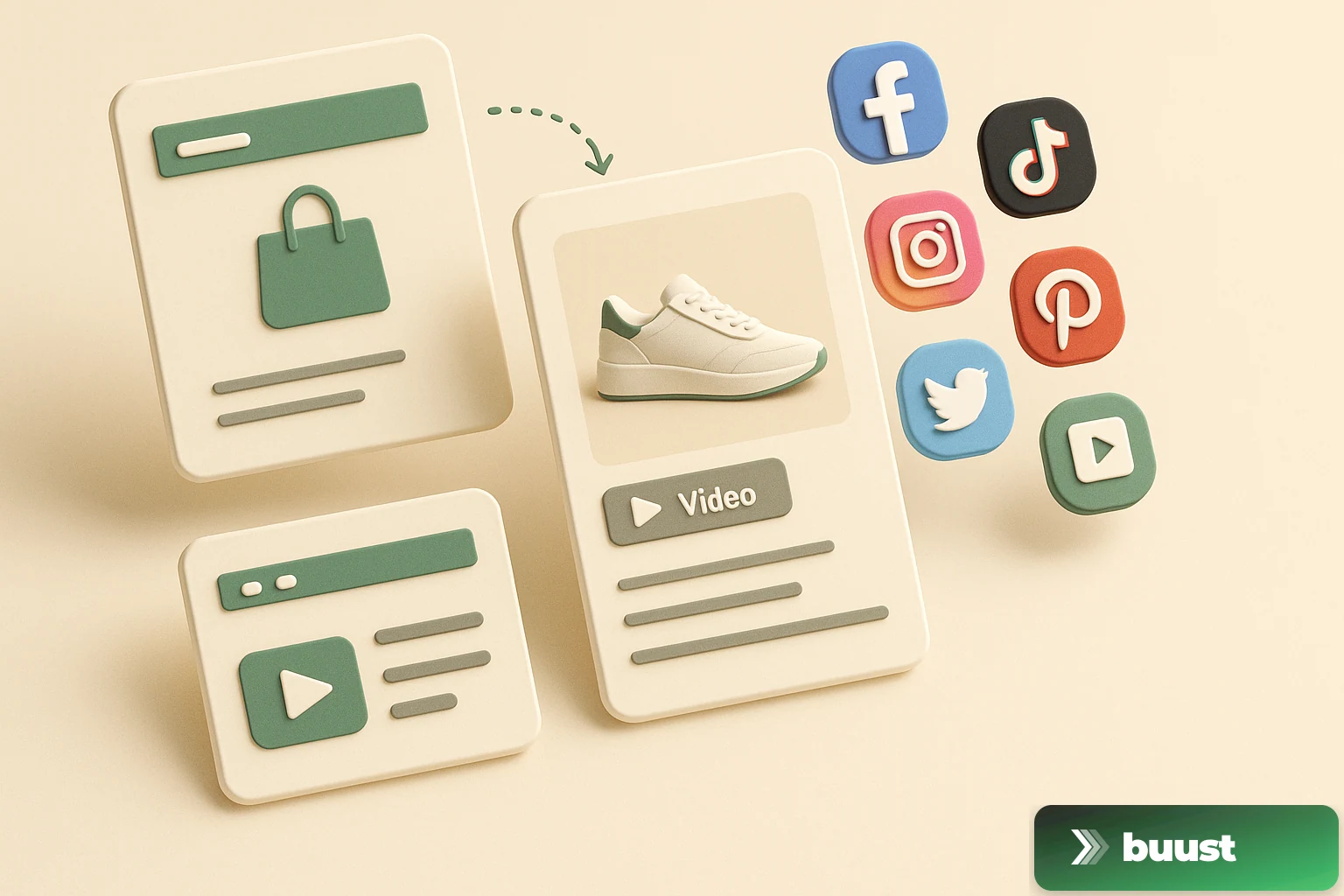
Anyone selling seriously online today sits between two chairs.
On one side are the marketplaces and your own shop — that's where the revenue flows. On the other side are social channels — that's where attention is created. In the middle hangs the seller, trying to serve both: maintain listings, take photos, eventually shoot a video that then has to be uploaded across twelve tabs.
That's exactly the bridge we build with Buust. A single workflow that starts at your existing listing and ends at the buyer — on every channel they happen to be on.
Here's the whole path at a glance:
Below I walk through each step individually — and at the end I'll show you where the real value for your revenue is created.
Step 1: Connect the shop
You log into Buust once and connect your Shopify store, eBay account, Amazon Seller, or OTTO partner account. Multiple at once is no problem — Buust was built for multi-marketplace from day one.
What you don't need: no developer, no changes to your shop theme, no codes or keys to copy out of some backend. You're sent to the login page of the respective provider, confirm access once, and you're back in Buust. In practice this takes under a minute per marketplace.
On the social side, it's the same principle: YouTube, Instagram, TikTok, Facebook, Pinterest, LinkedIn, X, and Threads — all connected with one click. You can start small (two marketplaces, three social channels is enough to start) and expand later anytime.
Step 2: Pull listings
Once the connection stands, Buust pulls your existing products. Title, images, prices, descriptions, variants — everything that makes up your listing is available in the Buust dashboard. You don't have to re-enter anything.
This is important to understand: Buust is not a second product management system next to your shop. Your Shopify stays your Shopify. Your eBay account stays your eBay account. Buust reads what's already there and adds a processing layer on top.
Does a product only have a single photo on a light background? No problem — the next step still builds a moving video out of it. Does it have ten lifestyle photos? Even better, then the pipeline has more material to work with.
Step 3: Render videos
This is where the core happens. You pick a template per product (or per category, or for your entire catalog) — from a clean spin animation cut to a Reels-style clip with music, hook, and call-to-action at the end.
Buust renders the video automatically in all formats you'll need later:
- 9:16 for TikTok, Instagram Reels, YouTube Shorts, Pinterest Idea Pins
- 1:1 for Instagram Feed, Facebook Feed, LinkedIn posts
- 16:9 for YouTube long-form and shop embeds
No more "crop for TikTok, then crop for Instagram, then upload to YouTube." One click, all formats, one render queue. For a typical catalog of 50 products we're talking minutes — not days.
What else happens here: music is matched to the product mood, text is overlaid automatically (price, USP, brand logo), and the whole thing lands as a clean MP4 in your workspace.
Step 4: Straight into the listing
The finished video goes immediately back to where your buyers should see it — into the listing itself.
On Shopify, the video is hung into the media slot of your product page via a Theme App Extension. No Liquid to touch, no theme code to adjust, no developer needed. As soon as the buyer lands on the product page, they see motion in the gallery — right next to the still images.
On eBay, the video is embedded in the image gallery of your listing. Buyers see it in the same carousel as your photos.
On Amazon, it becomes a Posts entry that shows on the product page and in the Posts feed of your brand.
On OTTO, the video is attached as a product video to your listing — a feature that lies completely fallow for many sellers in OTTO's marketplace and that delivers conversion lift in direct comparison.
Important: all this happens automatically. You don't click "Upload" twelve times in every marketplace backend. You click "Publish" once in Buust and decide which marketplaces get the video.
Step 5: From the listing to social
Now comes the part that the fewest sellers have under control: social media based on the same content.
As soon as your video lands in the marketplace listings, it's simultaneously ready for the social channels. Buust posts it in the right format to all connected profiles — YouTube Shorts, Instagram Reels, TikTok, Facebook, Pinterest, LinkedIn, X, Threads. With caption templates you define once and apply automatically to every new render.
You can send every post live immediately or schedule it in advance ("all Reels every Wednesday at 6 PM"). What you don't do: open browser tabs, log into eight apps, upload the same video eight times, type a new caption each time.
So from a single product video, you realistically get:
- 1 entry on your Shopify product page
- 1 entry in your eBay gallery
- 1 Amazon post
- 1 OTTO product video
- 8 social posts in 3 different formats
Twelve touchpoints per product. Rendered once.
Where the real value is created
This is the point where this workflow shifts from "save time" to "make revenue."
Look at the bottom half of the graphic again. On the left side you see what happens on a product page without video. On the right side, what happens when the same product page suddenly has video.
The numbers are similar across many industries, with variance by category:
- Bounce rate falls from ~65% to ~38%. Six out of ten buyers stay, instead of just four.
- Dwell time triples from 8 seconds to about 23 seconds. That's exactly the window in which the buying decision is made.
- Conversion rate is 1.8× to 2.4× higher than on the video-free comparison page — depending on product category and price range.
What happens here psychologically? Three things at once:
- Motion holds attention. The human eye is evolutionarily trained on motion. Static photos are easy to scroll past — moving images aren't.
- Scale becomes visible. How big is the bag really? How heavy does the fabric drape? How much fits inside? Video answers these questions without the buyer having to ask.
- Trust is built. In times of AI-generated shop images, real motion signals: "This product really exists." That's a factor not to underestimate — especially on marketplaces where buyers choose between hundreds of providers.
Where your buyers arrive — with and without video
One thing that often gets overlooked: the traffic channel changes once you have video everywhere.
Without video, your buyers come almost exclusively via search traffic: someone actively searches for your product, clicks a result, lands on your page. Marketplace search, Google, Instagram profile visit. Active pull.
With video, a second layer is added: discovery traffic. Buyers who didn't actively search for your product see your Reel in the TikTok feed, your Short on YouTube, your Pinterest pin. That's push traffic — people you would never have reached because they don't even know your brand name.
That exactly changes the logic of your revenue. Anyone optimizing only for search lives under a ceiling: there are only so many searches per day in your niche. Anyone getting discovery traffic in parallel doesn't have that ceiling. That's the lever that turns "small shop" into "known brand."
What you have to do for it
Nothing you couldn't do tonight.
- Connect — Shopify, eBay, Amazon, or OTTO with one click
- Pick a template — 30-second decision on which look fits your products
- Trigger a render — three, ten, fifty products at once
- Pick channels — where the video should go
- Hit Publish — everything goes out in parallel
In total: under 30 minutes for the first videos. After that, every further render runs in five to ten minutes — from "pick a product" to "live on twelve channels."
Start Buust free here. 10 free renders, no credit card. You connect your first shop and immediately see what your bestsellers look like with video. If the difference doesn't convince you, you've lost nothing — if it does, you've just found the lever that turns listings into buyers.
Common questions on the topic
Do I have to re-enter my products anywhere for Buust to process them?+
No. Buust reads your existing listings from Shopify, eBay, Amazon, or OTTO — title, images, prices, descriptions. You keep working as usual in your familiar shop or marketplace, Buust just adds a layer on top that builds and distributes videos.
Where does the video end up — only on the marketplace or also in my shop?+
Both. On eBay the video lands in the gallery. On Shopify it hangs directly in the media slot of your theme. On Amazon it becomes a Posts entry. And the same video is distributed in the right format to YouTube, Instagram, TikTok, Facebook, Pinterest, LinkedIn, X, and Threads — you click Render once and Publish once.
What does this give me if I already have images — are videos really the difference?+
Images are static, videos hold attention. In practice we see significantly lower bounce rates, longer dwell time, and higher conversion rates on product pages with video. Especially in categories where material, size, or function are decisive, the difference between "photo is enough" and "photo plus video" is often not a percentage point, but a factor.
What if I later add another channel, like Threads?+
You connect the channel in your Buust workspace, and from the next render on it runs automatically. You can push existing videos to the new channel retroactively — no need to re-render.
What if an upload fails — does the whole workflow break?+
No. Every channel has its own status. If TikTok rejects an upload, Instagram still goes through, the marketplace upload still goes through. You see green, yellow, or red per channel — and can re-trigger a single channel without re-rendering the whole video.
Ready to switch your listings to video?
10 videos free. No credit card. Connected in under 5 minutes.
Keep reading
Buust for your own shop: JTL, Shopware, Gambio, OXID, PrestaShop & more
Video tools almost always target Shopify. If you run a self-hosted shop, you watch from the sidelines. We're changing that: one plugin per system that writes the finished video straight into your product description — JTL, Shopware, Gambio, OXID, PrestaShop and more.
Does the video really work? How we measure revenue uplift honestly
Every vendor claims their tool lifts revenue. Almost none can prove it was the tool and not the season. We measure video uplift with difference-in-differences — and we'll also show you when nothing happened.
New: your Buust videos in Google Search — the Search Console integration is live
A product video that only sits on your page is half the job. From now on Buust submits your videos to video search through Google Search Console — and pulls the search numbers straight into Insights. What it does and how to switch it on.