Multi-Channel without the chaos: one pipeline for 4 marketplaces and 8 socials
Twelve channels, twelve tools, twelve logins, twelve status dashboards. That is what a typical multi-channel workflow looks like — and exactly where most sellers lose time, overview, and sales. How a single pipeline ends the chaos.

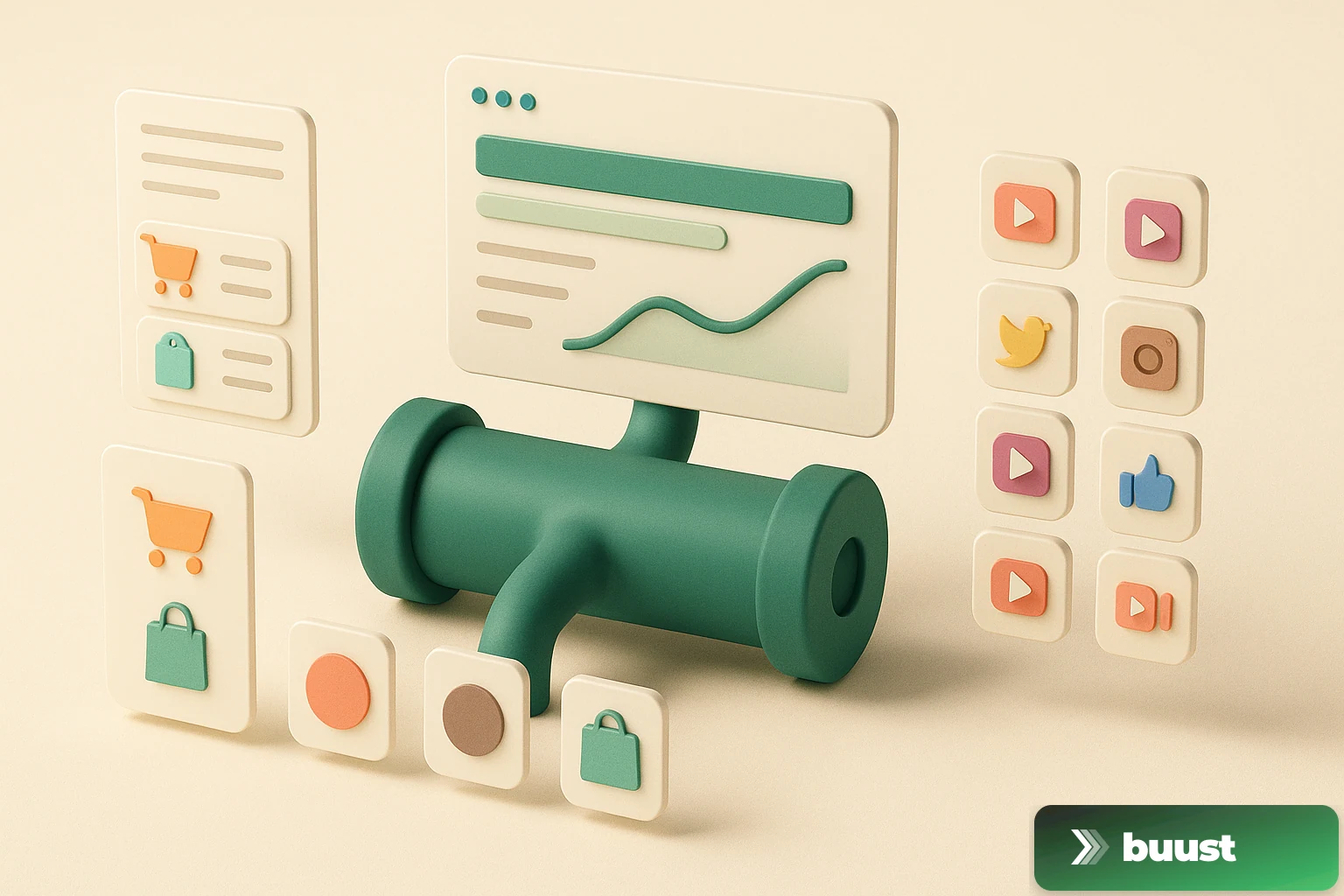
Anyone running eCommerce seriously today is on at least three channels. Anyone scaling is on twelve. Four marketplaces (eBay, Shopify, Amazon, OTTO), eight social channels (YouTube, Instagram, TikTok, Facebook, Pinterest, LinkedIn, X, Threads). Each with its own format, its own upload mechanic, its own status view.
Most sellers solve this with: one tool for marketplace sync, one tool for Reels, one tool for Stories, one tool for scheduled posts, one tool for analytics, one tool for reporting. Six to twelve tools, six to twelve logins, six to twelve subscriptions. And that is exactly where the real problem begins.
Why multi-tool stacks fall apart
Multi-tool is flexible on paper. In practice, it's fragile.
A real-world example: you render a new product video. You upload it to your marketplace tool for the eBay gallery. You crop it manually for Instagram, upload it to your scheduler. You crop it again for TikTok, upload it in the browser. You add a Pinterest variant, click your way through. You forget LinkedIn because you're tired. Four days later you're wondering whether the video on YouTube Shorts is even live.
Twelve steps, twelve points of failure, no central status. That is exactly why most sellers stop running social seriously after two months — not because the channels don't work, but because the workflow doesn't.
What a real pipeline is
A pipeline is the opposite of a multi-tool stack. Instead of twelve tools running side by side, you have one tool that owns the whole path: from the product in the marketplace account, through rendering, to upload on every individual channel — with one status, one login, one logic.
Concretely:
- One render instead of three or four — the system automatically produces the right formats (9:16, 1:1, 16:9) depending on which channel they go to
- One publish click instead of twelve — you pick where the video should go, and the dispatch to each channel runs in parallel
- One status dashboard instead of twelve — you see at a glance what succeeded where, what is hanging, what needs to be restarted
- One error logic instead of twelve — if an upload fails, you immediately know which one and why, and you can restart precisely
This isn't "nice to have." This is the difference between a seller running three channels and a seller running twelve — at the same time investment.
What this looks like in practice
Here's the comparison between multi-tool reality and pipeline workflow for one single new product.
Multi-tool workflow (typical)
- Create the product in Shopify
- Upload product images
- Render the video externally (DaVinci, Premiere, or external agency)
- Manually embed the video in the Shopify product gallery
- Create the same item separately on eBay
- Upload the video for eBay again (different format)
- Crop for the Instagram feed (square)
- Schedule in Buffer / Later
- Crop vertically for TikTok
- Post manually to TikTok or use a TikTok scheduler tool
- Upload the YouTube Short separately
- Create the Pinterest pin manually
- LinkedIn, Facebook, X — usually forgotten
- Check status per channel manually
Estimated time per product: 90 to 180 minutes.
Pipeline workflow
- Pick the product from the connected shop/marketplace
- Choose a template, hit Render
- Choose the channels the video should go to
- Hit Publish
- Check the status dashboard — every channel has its own status, you see immediately where things stand
Estimated time per product: 5 to 10 minutes.
That isn't a 10 percent efficiency gain. That's a factor of 10 to 20.
What a pipeline has to be able to do
Not every tool calling itself "multi-channel" is an actual pipeline. Three properties separate a real tool from a multi-tool stack with a wrapper UI.
First: direct integration with the marketplace and social accounts. A pipeline that only automates logged-in browser tabs breaks the first time a login resets. Real integration means a stable, long-term connection that keeps working even when you don't log in for a week.
Second: format-specific rendering. A tool that renders one video and ships it as-is to every channel is not a pipeline tool. It has to produce the right format per target channel — 9:16 for TikTok and Reels, 1:1 for feed posts, 16:9 for YouTube long-form and shop embed.
Third: per-channel status view with retry logic. When TikTok rejects an upload because the video is a touch too long, or Instagram throws a server error, the pipeline has to show that and allow a clean retry — without you restarting the whole workflow.
Without these three properties, a tool is not a pipeline tool, it's a multi-tool stack in disguise.
What pipeline logic makes possible
Whoever makes the jump from multi-tool workflow to a real pipeline doesn't just gain time. Three things change structurally.
- You run more channels in parallel because the marginal cost per channel is minimal. Pinterest, LinkedIn, and X stop being "forgotten" — they ride along
- You publish more regularly because the effort per release drops from 90 minutes to 5 minutes. That's the difference between "once a month" and "twice a week"
- You measure cleaner because one central dashboard per product and channel shows numbers that would otherwise be scattered across twelve places
All of that is the difference between a seller who "does" multi-channel and one who lives off multi-channel.
How Buust solves this pipeline
That is exactly the promise Buust started with. You connect your Shopify, eBay, Amazon, or OTTO account and your eight social profiles. You pick a template per product, hit Render once and Publish once. The video shows up in the right formats on the right channels — marketplace gallery, product page, Reels, Stories, feed posts, YouTube Shorts, Pinterest pin.
One render. One publish. One status dashboard. Instead of twelve tools, twelve logins, and twelve forgotten posts per month.
Start for free and connect your first two channels. If you still need twelve tools after a week, you've lost nothing — if not, you've just won back half a day per week.
Common questions on the topic
Do I really need all those channels? Aren't two or three enough?+
Starting out, less is fine — most sellers do well with eBay or Shopify plus Instagram and TikTok. But the moment you want to grow, every additional channel without a pipeline costs disproportionately more time. A pipeline isn't for "right now," it's for "scaling without new hires".
What happens if one channel in the pipeline fails — does everything stop?+
A clean pipeline isolates failures. If the TikTok upload fails, Instagram still goes through, the marketplace upload still goes through. You see one status per channel, can restart the failed one specifically, and don't have to re-run the whole workflow.
Does a central pipeline lock me in?+
You stay the owner of every account — shop, marketplace, social profiles. A pipeline is a tool that accesses your accounts, not a vault for your content. If you move out, your business keeps running because the content lives on the platforms, not inside the tool.
Isn't a multi-tool stack more flexible than a pipeline?+
More flexible in the sense of "I can swap out any tool" — yes. But more expensive in the sense of "every tool costs money, every tool costs time, every tool swap costs data." In practice, the multi-tool stack sits untouched for years because nobody has the energy to maintain it. A pipeline is less flexible, but it actually gets used.
Ready to switch your listings to video?
10 videos free. No credit card. Connected in under 5 minutes.
Keep reading
Buust for your own shop: JTL, Shopware, Gambio, OXID, PrestaShop & more
Video tools almost always target Shopify. If you run a self-hosted shop, you watch from the sidelines. We're changing that: one plugin per system that writes the finished video straight into your product description — JTL, Shopware, Gambio, OXID, PrestaShop and more.
Does the video really work? How we measure revenue uplift honestly
Every vendor claims their tool lifts revenue. Almost none can prove it was the tool and not the season. We measure video uplift with difference-in-differences — and we'll also show you when nothing happened.
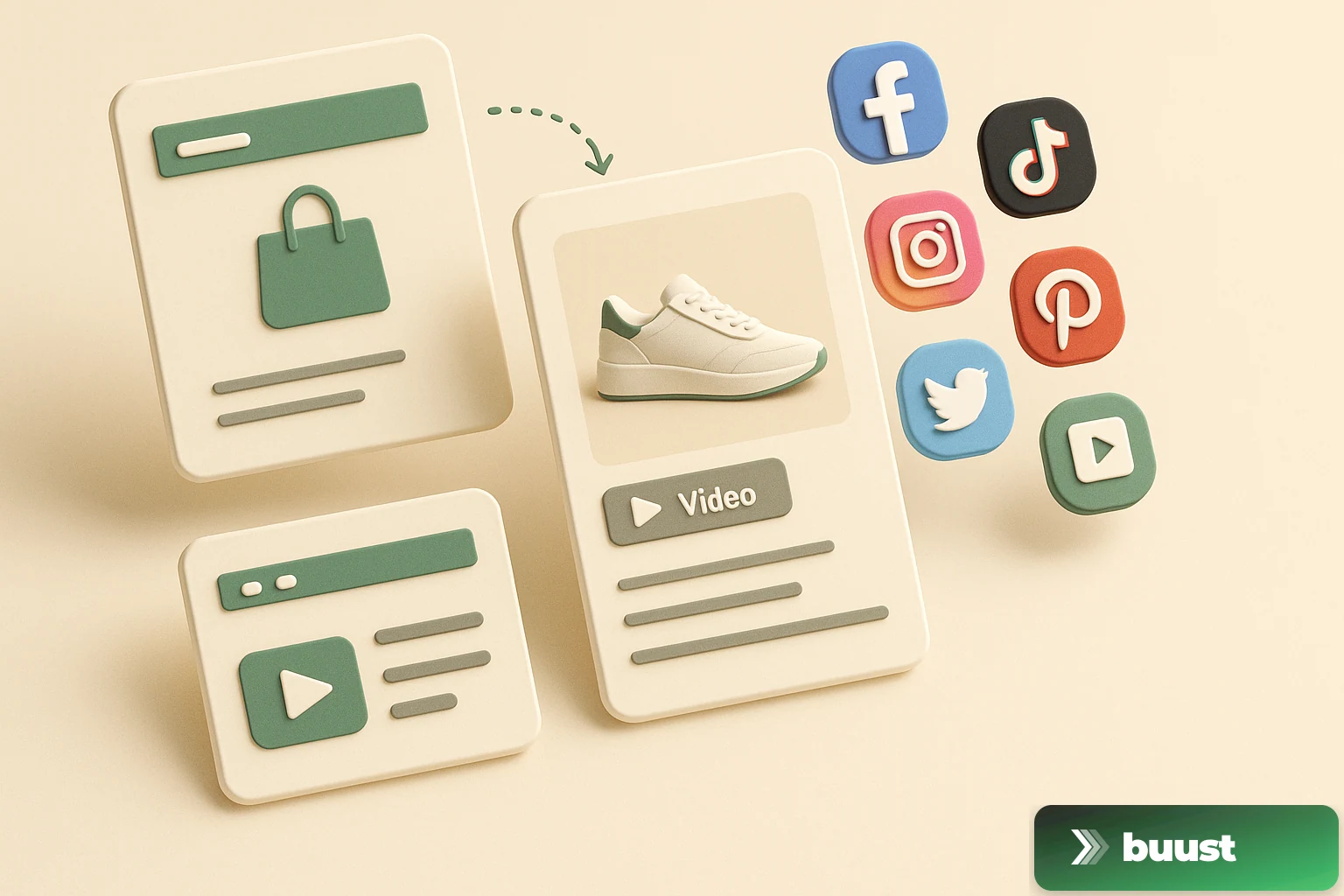
From Listing to Buyer: How Buust Brings One Product to 12 Channels
You connect your store, Buust pulls the products, generates videos, embeds them in your listings, and posts them to eight social channels. Here is the whole workflow at a glance — and why buyers decide differently with video.