Shopify vs. WooCommerce vs. Shopware: Where Your Product Videos Get the Most Lift
Three shop systems, three realities. Which one gives your product video a real stage, which turns embedding into a weekend project — and which seller type fits which?

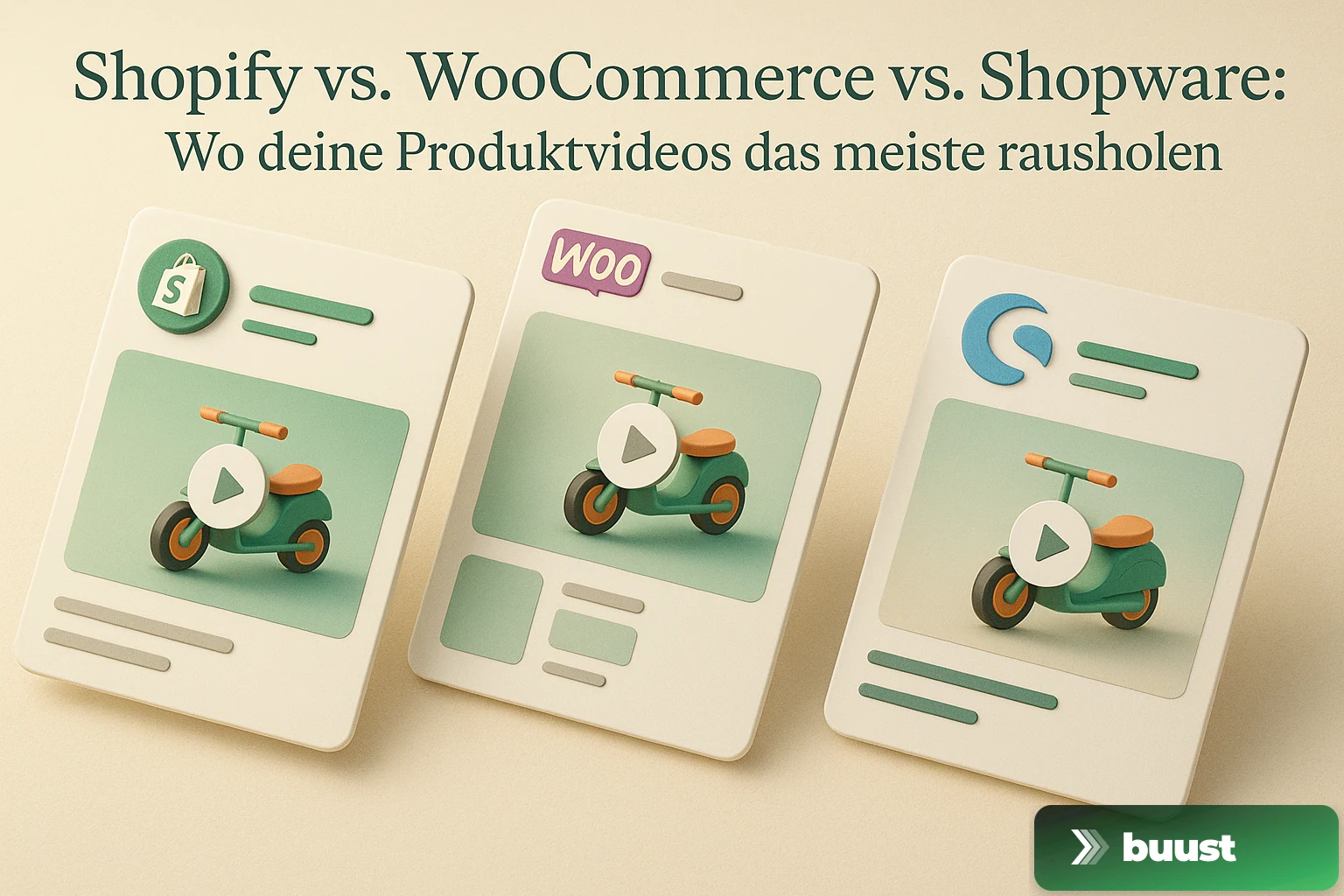
"Which shop system is best for product videos?" — that's the wrong question. The right one is: "Which shop system gets me from no video to video on every product page fastest, without losing my weekend?"
And depending on the system, that's a completely different answer. Anyone comparing Shopify, WooCommerce, and Shopware purely by feature lists misses the actual pain curve: video embedding is technically possible everywhere — but the effort between systems swings from "three clicks" to "three days" per hundred products.
Shopify: The pragmatic standard for fast scaling
Since the introduction of native video support as a product medium, Shopify has been the most frictionless platform for this purpose. You upload video like an image, Shopify hosts and streams it, and nearly every modern theme has a gallery slot that displays video directly — usually as the first medium above the images.
What speaks for Shopify:
- Native video support at product level without a plugin
- Hosting and streaming included in the platform fee — no CDN setup of your own
- Theme integration works without custom Liquid in nearly every current theme
- Bulk embedding possible via the Shopify Admin API or App Store apps
- Quick theme splits for A/B testing video vs. no-video
What speaks against Shopify:
- Recurring platform costs starting at €39/month (Basic), realistically €105+ for serious stores
- Transaction fees on third-party payments if you don't use Shopify Payments
- File size limit per video (1 GB in most plans) — can be tight for high-resolution material
If you have 50 to 5,000 products and want to grow fast, you'll usually be most productive on Shopify. The platform rewards standard workflows with minimal friction.
WooCommerce: Maximum control, maximum effort
WooCommerce is the most powerful but also the most responsibility-heavy option. As a WordPress plugin, it inherits all the pros and cons of WordPress: everything works, everything is configurable, everything is your responsibility — from hosting and performance to plugin hygiene.
Video embedding in WooCommerce works through three routes: a plugin like WooCommerce Product Video, a page builder like Elementor, or a custom hook in the theme. All three have their pitfalls — plugins sometimes clash with themes, page builders get messy with many products, custom hooks mean developer time.
What speaks for WooCommerce:
- Full data sovereignty — video lives on your server, your data belongs to you
- No platform fee beyond your hosting costs
- Maximum flexibility in layout, behavior, and customization
- Open-source ecosystem with a wide plugin selection
- Better SEO control than on hosted platforms, if you know what you're doing
What speaks against WooCommerce:
- Hosting performance is your job — bad hosting turns video into a brake instead of a lever
- Plugin chaos can pile up over years, and video plugins often clash with others
- Update maintenance is constant — WordPress, theme, plugins all have to stay current
- Bulk video embedding is clunkier than on Shopify, often requiring custom scripts or a dedicated tool
- Scaling becomes a real ops problem at 1,000+ products
WooCommerce fits sellers who are technically savvy or have a developer on the team, and who genuinely need full control — for custom checkout flows, B2B price tiers, or special shipping logic.
Shopware: The DACH answer with B2B depth
Shopware is the strongest alternative to the US-dominated platforms in the DACH region and is widespread among mid-size to larger shops with a B2B share. Version 6 brings a modern storefront architecture that supports video natively as a CMS element — on product pages, landing pages, categories, and shopping worlds.
What speaks for Shopware:
- DACH compliance with GDPR, invoicing, German tax law without workarounds
- B2B features more built out in the standard version than on Shopify
- Video as a CMS element natively — also on category and landing pages, not just product pages
- Self-hosting possible or as a cloud variant with Shopware hosting
- Plugin ecosystem at a high quality level, because Shopware has stricter review processes than WordPress
What speaks against Shopware:
- Higher learning curve than Shopify, especially in the admin area
- Paid plugins, which increases total cost of ownership
- Theme development is more demanding than Shopify Liquid — Symfony knowledge helps
- International reach is smaller — fewer themes and apps in the English-speaking world
Shopware is the right choice if you sell in DACH, have a B2B share, and want a system that can grow with you without forcing migration after three years.
Which system for which seller type
Instead of a blanket recommendation — three realistic profiles:
- You're starting fresh, want to scale fast, sell B2C consumer goods — Shopify. Friction is lowest, video embedding is day-one ready, and you can focus on assortment and marketing instead of infrastructure
- You have an established shop, a technical team, and need custom logic — WooCommerce, if your team knows WordPress. You keep all freedoms, and video embedding integrates cleanly into your existing stack
- You sell in DACH with a B2B component, plan long-term, and want made-in-Germany software — Shopware. Higher initial effort, but a system that doesn't buckle at 10,000 products and complex pricing rules
What all three systems share — and what they don't
In all three systems video on the product page is embeddable. What they don't solve is the actual problem: Where do the videos for your 500 products come from? A shop system is a player, not a producer. It displays the video you give it — and that's exactly where nine out of ten initiatives fail.
If you have five products, you can shoot with your phone. If you have fifty, you look for a film studio. If you have five hundred, you either give up or find a way to solve it in bulk.
With Buust you connect your shop — Shopify, WooCommerce, or Shopware — and generate videos from your existing product images for your entire catalog. Embedding happens automatically on product pages, without touching your theme or clicking through each listing. The videos are simultaneously prepared for your eight social channels — from one source, in one workflow.
Start free and see what your top products would look like with video in your system. Three clicks, no theme rebuild — and you'll know whether the lever works for you.
Common questions on the topic
Which shop system is easiest for video embedding?+
Shopify by a wide margin, because video is natively supported as a product medium and almost every theme has a matching slot element. WooCommerce usually needs a plugin or a page builder. Shopware ships video as a native element but requires somewhat more initial configuration in the storefront theme.
Does the shop system make a difference for video performance?+
Yes, but not in the way most people think. Shopify handles hosting and streaming, WooCommerce is your own responsibility — badly hosted videos on a weak WordPress server slow the whole site down. Shopware sits in between and offers built-in CDN if you pick the right hosting variant.
Is it worth switching shop systems just for better video embedding?+
Rarely. A shop migration is one of the most expensive projects an online merchant can take on — migration cost, SEO risk, learning curve. Anyone selling well on WooCommerce should invest in a clean video solution rather than switch platforms. But if you are just starting out or migrating anyway, factor video embedding in from day one.
Where does video sell best — DACH or international?+
In the DACH region, the willingness to stay on a product page longer is slightly higher than in the US, where buyers make a purchase decision in under 30 seconds. Video brings lift everywhere internationally, but in the trust-heavy DACH market the lever is often more visible — especially for higher-priced products.
Ready to switch your listings to video?
10 videos free. No credit card. Connected in under 5 minutes.
Keep reading
Buust for your own shop: JTL, Shopware, Gambio, OXID, PrestaShop & more
Video tools almost always target Shopify. If you run a self-hosted shop, you watch from the sidelines. We're changing that: one plugin per system that writes the finished video straight into your product description — JTL, Shopware, Gambio, OXID, PrestaShop and more.
Does the video really work? How we measure revenue uplift honestly
Every vendor claims their tool lifts revenue. Almost none can prove it was the tool and not the season. We measure video uplift with difference-in-differences — and we'll also show you when nothing happened.

From Listing to Buyer: How Buust Brings One Product to 12 Channels
You connect your store, Buust pulls the products, generates videos, embeds them in your listings, and posts them to eight social channels. Here is the whole workflow at a glance — and why buyers decide differently with video.