New: your Buust videos in Google Search — the Search Console integration is live
A product video that only sits on your page is half the job. From now on Buust submits your videos to video search through Google Search Console — and pulls the search numbers straight into Insights. What it does and how to switch it on.

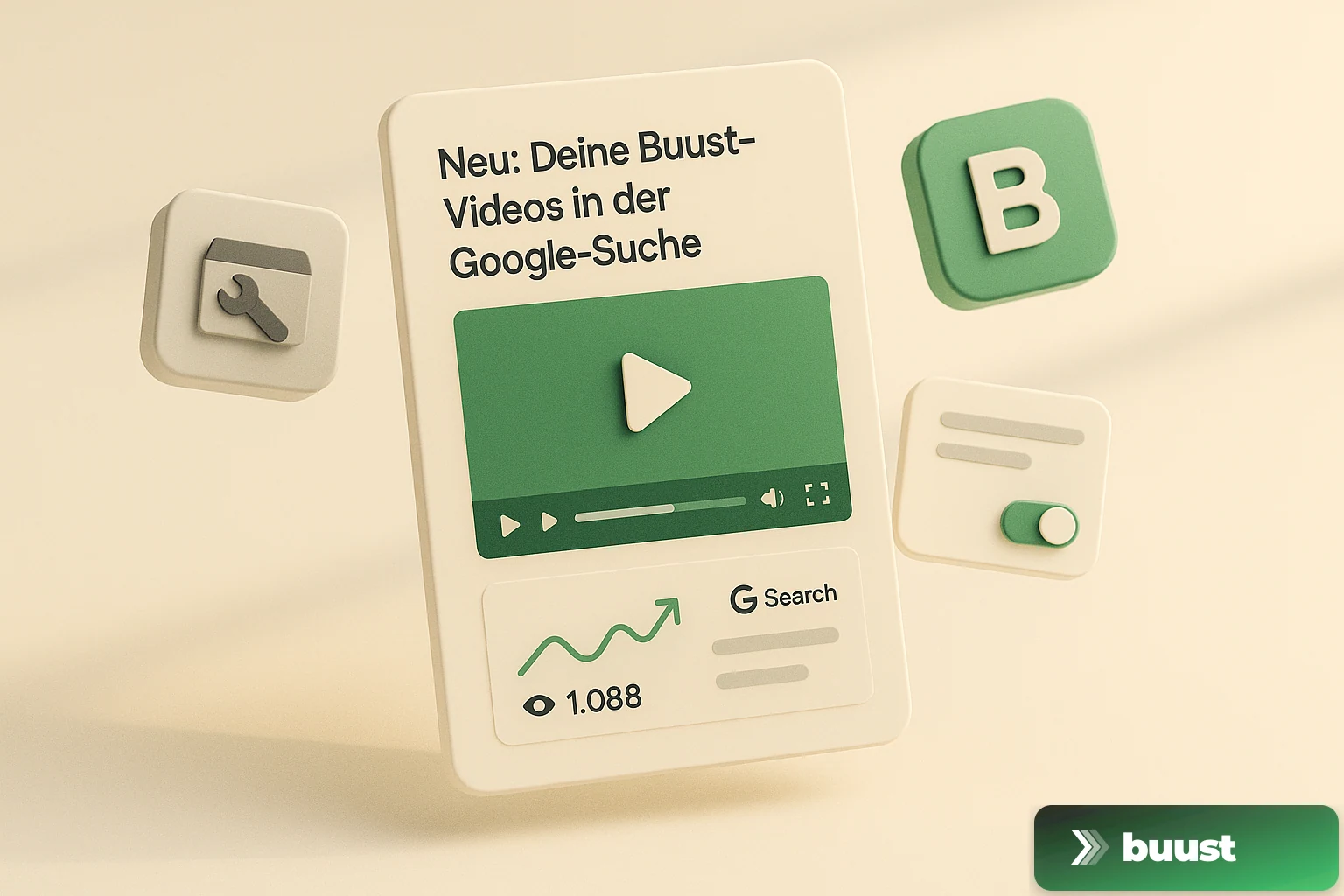
We talk a lot about product video on the listing, in the social feed, in the Shopping feed. One surface has been short-changed so far, even though it's the most important one for many merchants: Google Search itself. When someone searches for "handmade leather backpack," the search results page decides whether your product appears at all — and whether it shows up as a plain text hit or as a video result with a preview thumbnail.
That's exactly what the new Google Search Console integration is for. On every plan as of today.
Why search is its own channel
A video that only sits in your shop isn't automatically known to Google — least of all as a video. Search favors content that gets submitted cleanly, and it shows video results with a preview thumbnail that pulls far more attention on the results page than a plain line of text.
Search Console is Google's official way to do exactly that: submit content for indexing and measure its performance. Until now that was a manual side job — upload a sitemap, verify the property, export reports. Buust takes it off your plate.
What Buust now does automatically
Submit. Buust generates a video sitemap for your product videos and submits it through Search Console. That lets Google pick up your videos and serve them as a video result — instead of missing them because they only sit embedded in the shop.
Measure. Once a day, Buust pulls the search numbers from Search Console: how often your product appeared in search (impressions), how often it was clicked, what average position you hold. Those numbers show up bundled in the Insights section of your dashboard — right next to the numbers from YouTube, TikTok, Instagram and your Shopping feed.
You don't have to look anything up or export anything. Connect once, the rest runs.
What it honestly is not
It's not a one-click ranking booster. Search Console submits and measures — it doesn't buy a placement. If your listing is thin, even a submitted video won't rank high. The integration makes sure Google can see your videos at all, and that you can see what's happening in search. From those numbers, work becomes derivable — which products collect impressions without clicks, where a better thumbnail or a clearer title makes the difference.
That's exactly what the Insights section is for: not to make a number look nice, but to show you where the next lever is.
How to switch it on
In the dashboard under Connections you'll find the Google Search Console card. One click, Google login, done — Buust picks the right property for your shop domain and handles the sitemap submission and the daily data fetch. From the next fetch, your search numbers fill in across Insights.
Connect Search Console and bring your videos into Google Search →
Common questions on the topic
What exactly does Buust do with the Search Console connection?+
Two things. First, Buust submits your product videos to Google Search via a video sitemap, so they can surface as a video result — not just a text hit. Second, Buust pulls the search numbers back from Search Console (clicks, impressions, average position) and shows them bundled in the Insights section, so you don't have to dig through the Google interface.
Does this guarantee a top ranking in Google?+
No, and it would be dishonest to promise that. Search Console is Google's official channel to submit your content for indexing and measure its performance — it submits and measures, it does not buy a ranking. What the integration does: it makes sure Google can pick up your videos at all, and it makes visible what actually happens in search. The rest is down to the quality of your listing.
Do I need technical knowledge or my own tracking for this?+
No. You connect your Search Console once via Google login, Buust picks the right property for your shop and handles the sitemap submission and the daily data fetch automatically. No tag manager, no code snippet, no setup of your own.
Ready to switch your listings to video?
10 videos free. No credit card. Connected in under 5 minutes.
Keep reading
Buust for your own shop: JTL, Shopware, Gambio, OXID, PrestaShop & more
Video tools almost always target Shopify. If you run a self-hosted shop, you watch from the sidelines. We're changing that: one plugin per system that writes the finished video straight into your product description — JTL, Shopware, Gambio, OXID, PrestaShop and more.
Does the video really work? How we measure revenue uplift honestly
Every vendor claims their tool lifts revenue. Almost none can prove it was the tool and not the season. We measure video uplift with difference-in-differences — and we'll also show you when nothing happened.
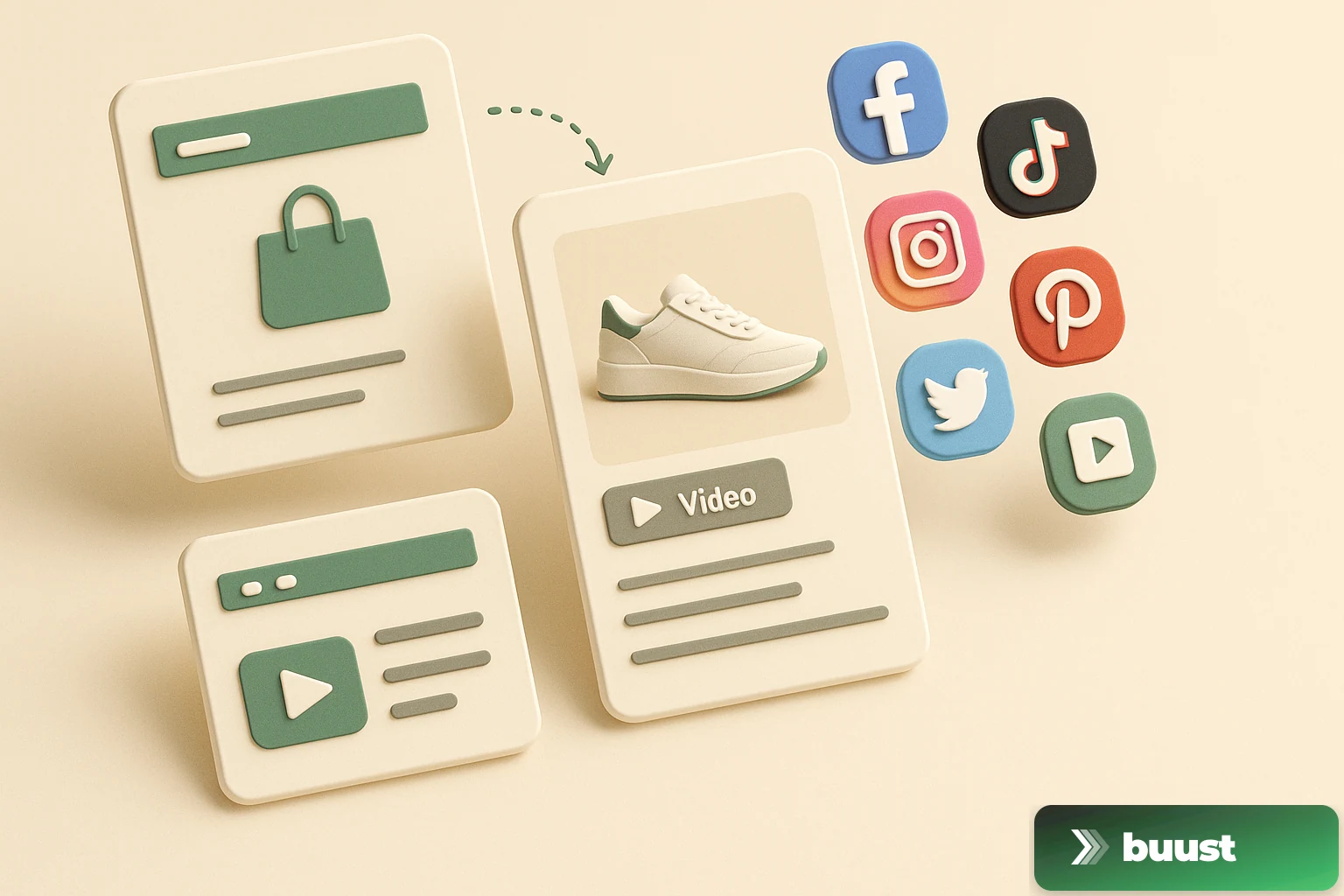
From Listing to Buyer: How Buust Brings One Product to 12 Channels
You connect your store, Buust pulls the products, generates videos, embeds them in your listings, and posts them to eight social channels. Here is the whole workflow at a glance — and why buyers decide differently with video.