Real models wear your clothes – and studio shots from any phone photo
No photographer, no studio, no light tent. Buust shows clothing right on a model and rings on a hand – and turns any snapshot into a clean studio image. Real sales tell you which cover actually performs better.
- No shoot
- Use your own model
- A/B test included
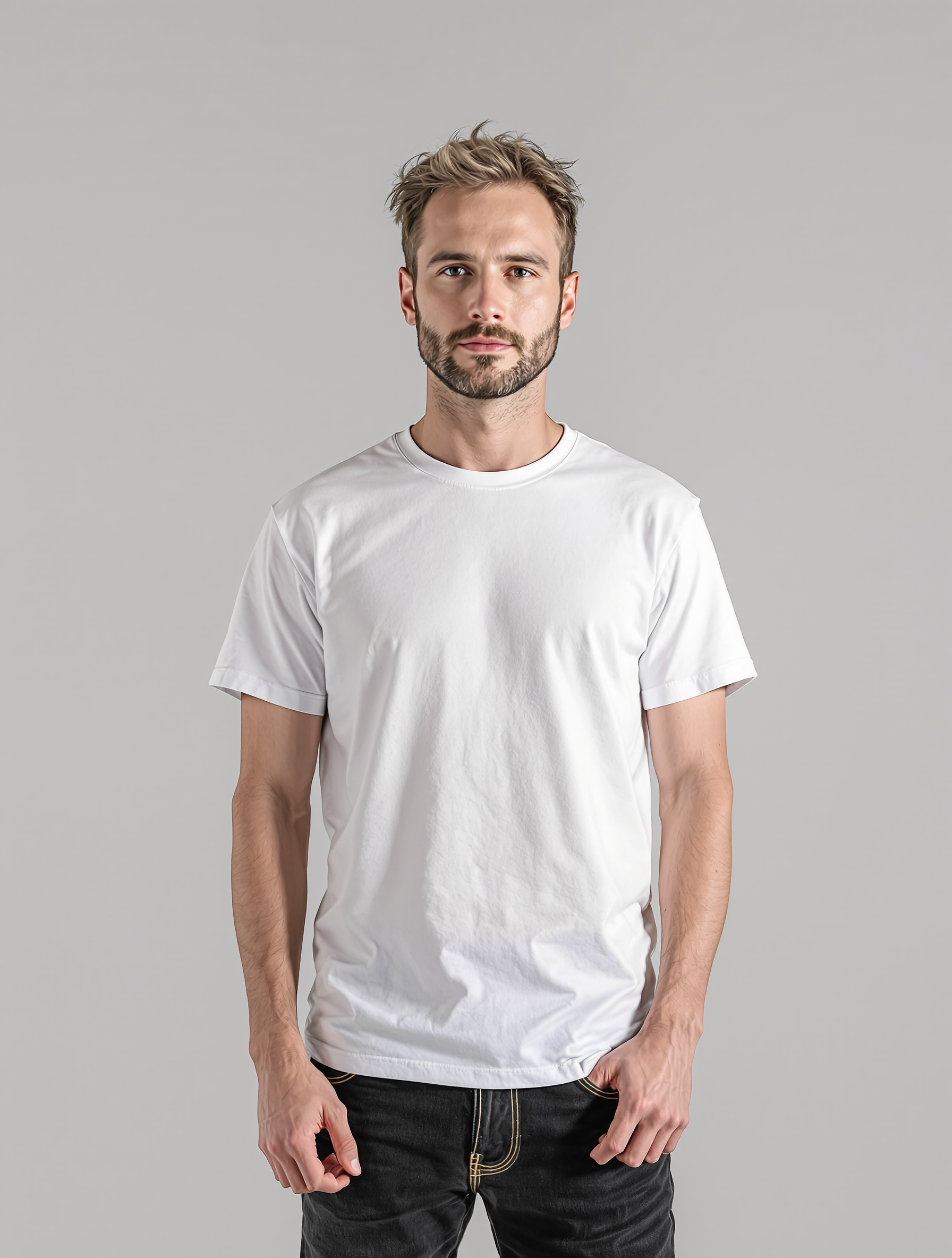 AfterBefore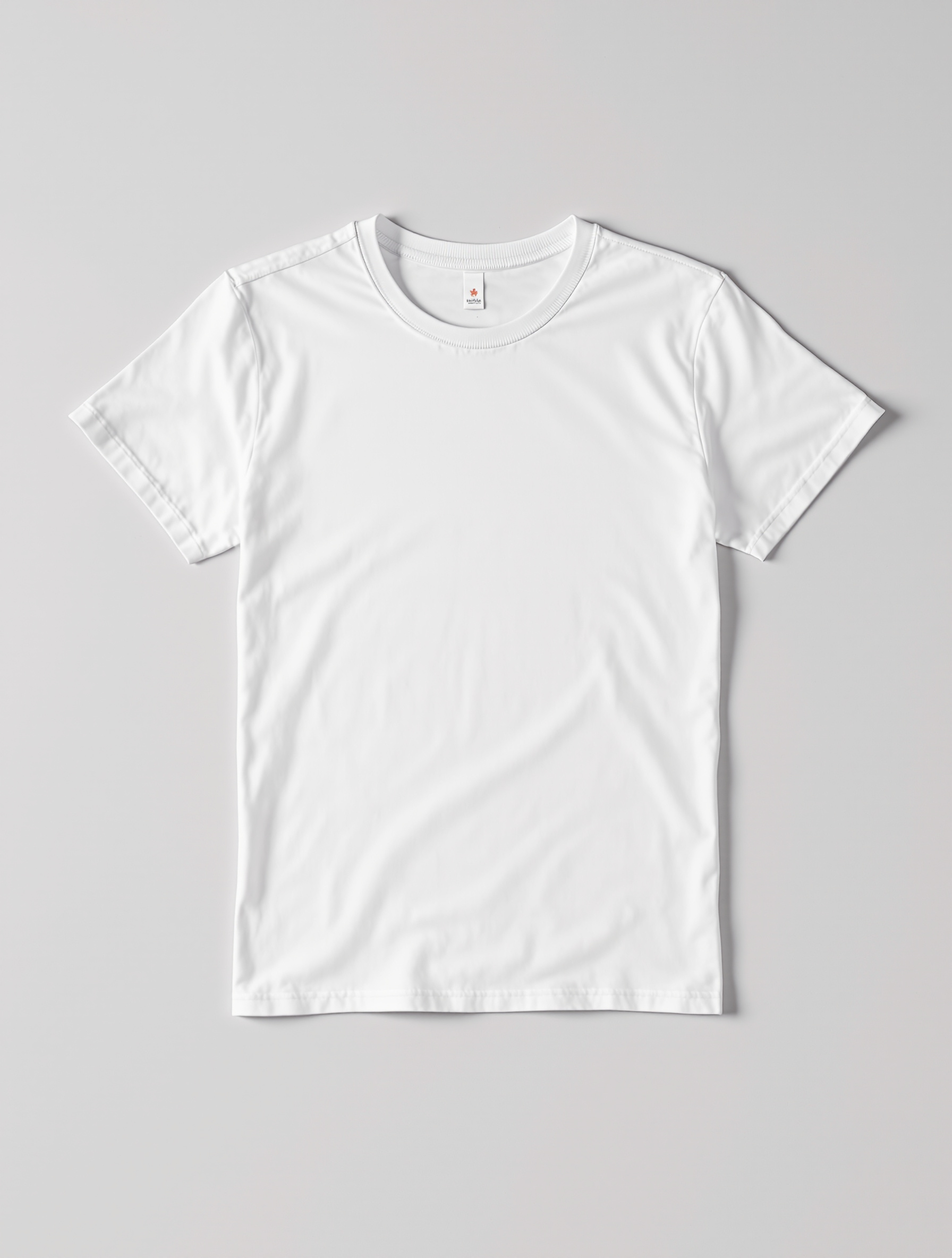
Real example: from phone photo to studio look – drag the slider.
Buyers buy what they can picture
Fashion on a hanger and jewelry on a white background leave buyers guessing how it looks worn. That is exactly where they drop off.
- Phone photos look unprofessional. Next to the competition your images quickly look cheap – and buyers click on.
- A shoot is too expensive. Models, a photographer and a studio for hundreds of items are too slow, too costly and never finished.
- You guess at the main image. Which cover pulls better? Without a test it stays a gut feeling instead of an answer.
With Buust
- On a model, not a hanger. Show clothing and accessories right on a model – even on your own uploaded model.
- Studio look at the push of a button. Clean cut-out, studio or lifestyle scene – in the style that fits your shop, without ever touching a camera.
- A/B test with real numbers. Buust tests the AI cover against your original on real sales and, on request, moves the stronger image to the front.
From snapshot to high-converting image
You choose how your product should look – Buust handles the cut-out, background and model automatically.
Fashion & accessories on a model
Show clothing, bags and jewelry right on the body. You can upload your own model so every image fits your brand – uploading is free.
- Real models for clothing, hand models for rings
- Upload your own model – it is used for the "On a model" style
- For a scarf, hat or jewelry Buust automatically picks a matching model
A cut-out that does not wreck sets
Buust removes the background and distracting props – but recognizes gift baskets, sets and bundles and keeps every piece in. No accidentally deleted product.
- Clean white studio, lifestyle or themed look
- Right aspect ratios for eBay and Shopify – one click
- Image description editable yourself – good for discoverability
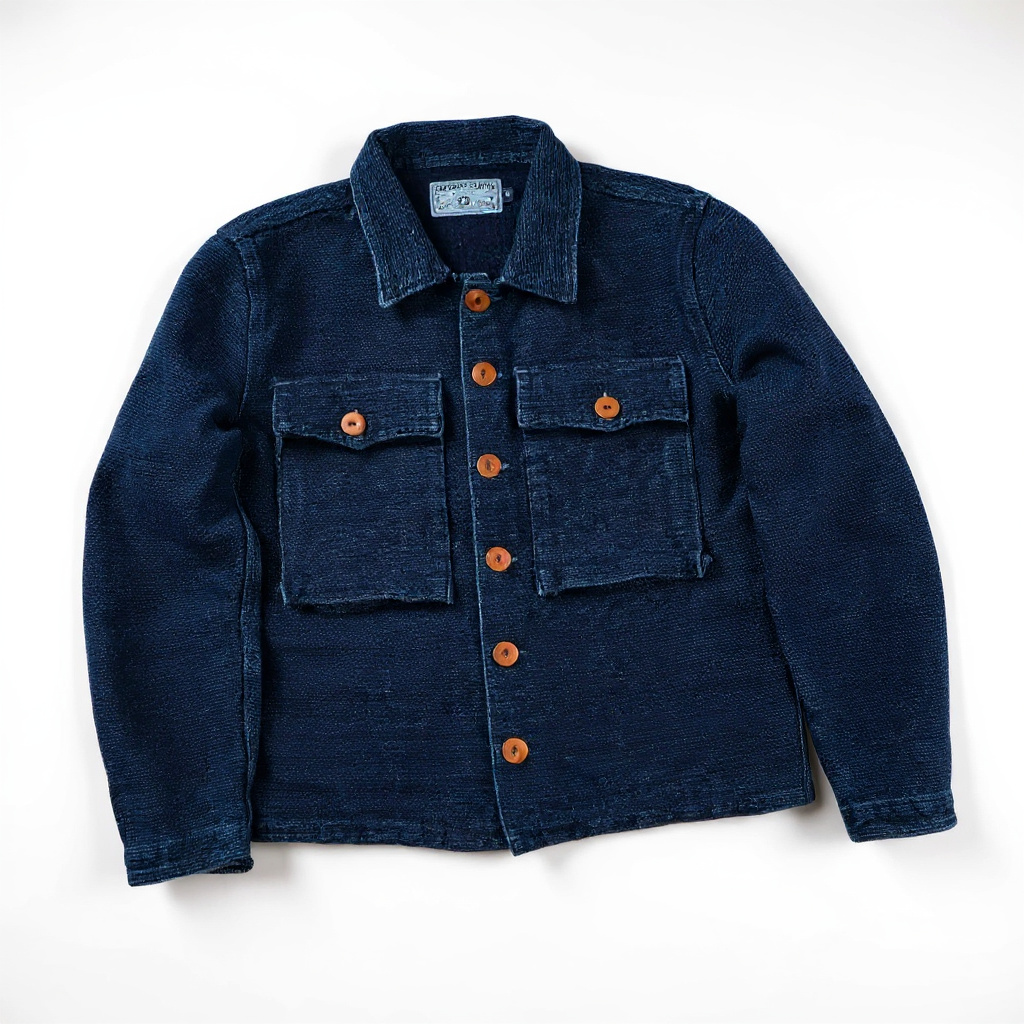 AfterBefore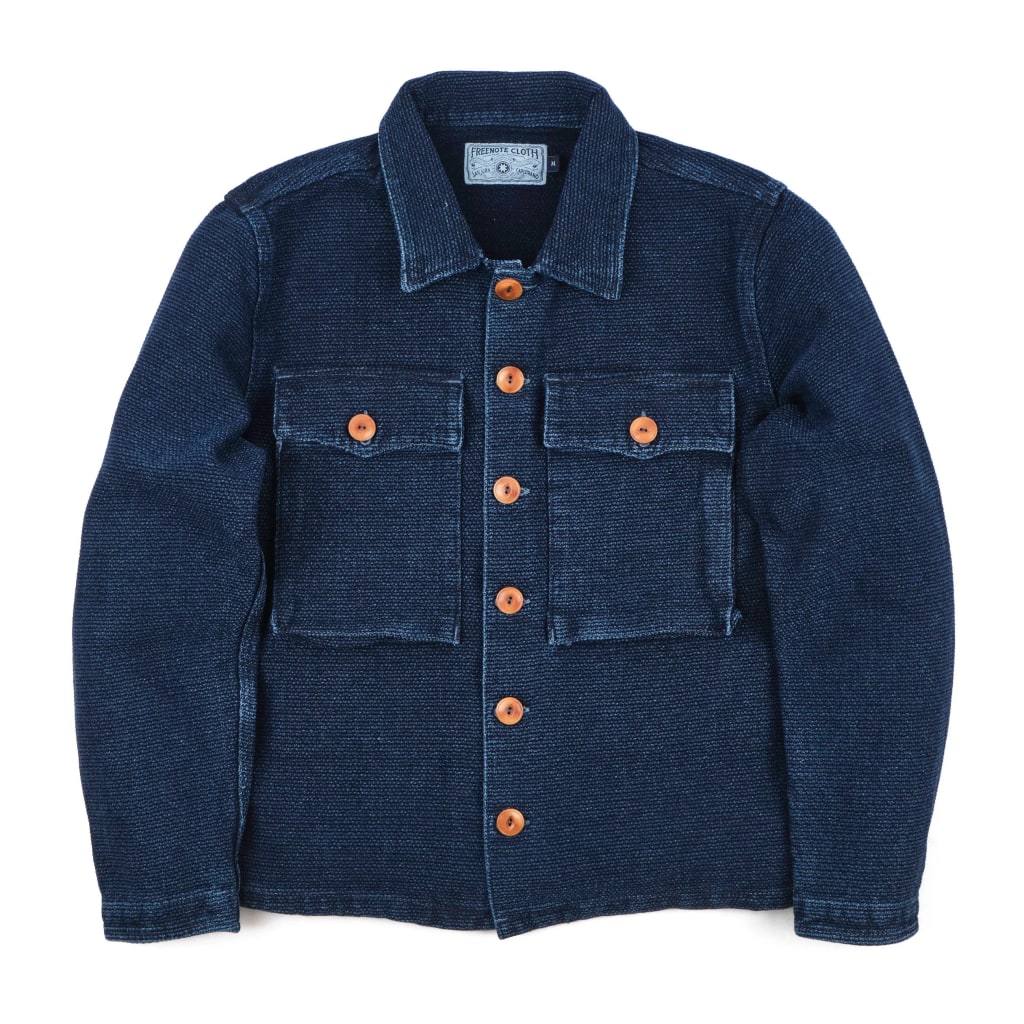
Main-image A/B test on real sales
Buust tests the AI cover against your original on real sales. On request it moves the stronger image to the front – you see in black and white what really sells.
- Measures on the real conversion rate, not clicks alone
- You approve every image before publishing
- Straight into the listing – no cropping, no format hassle
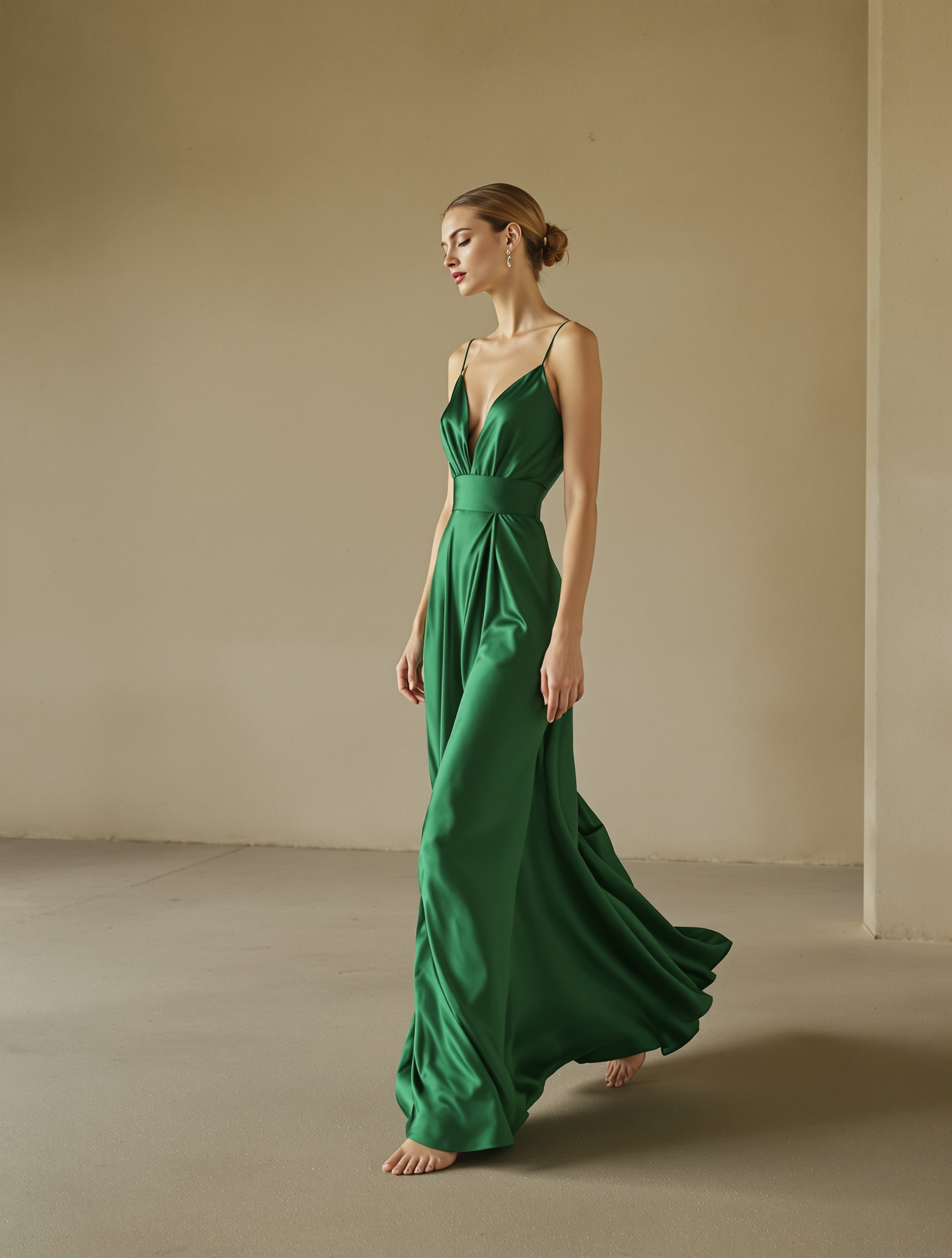
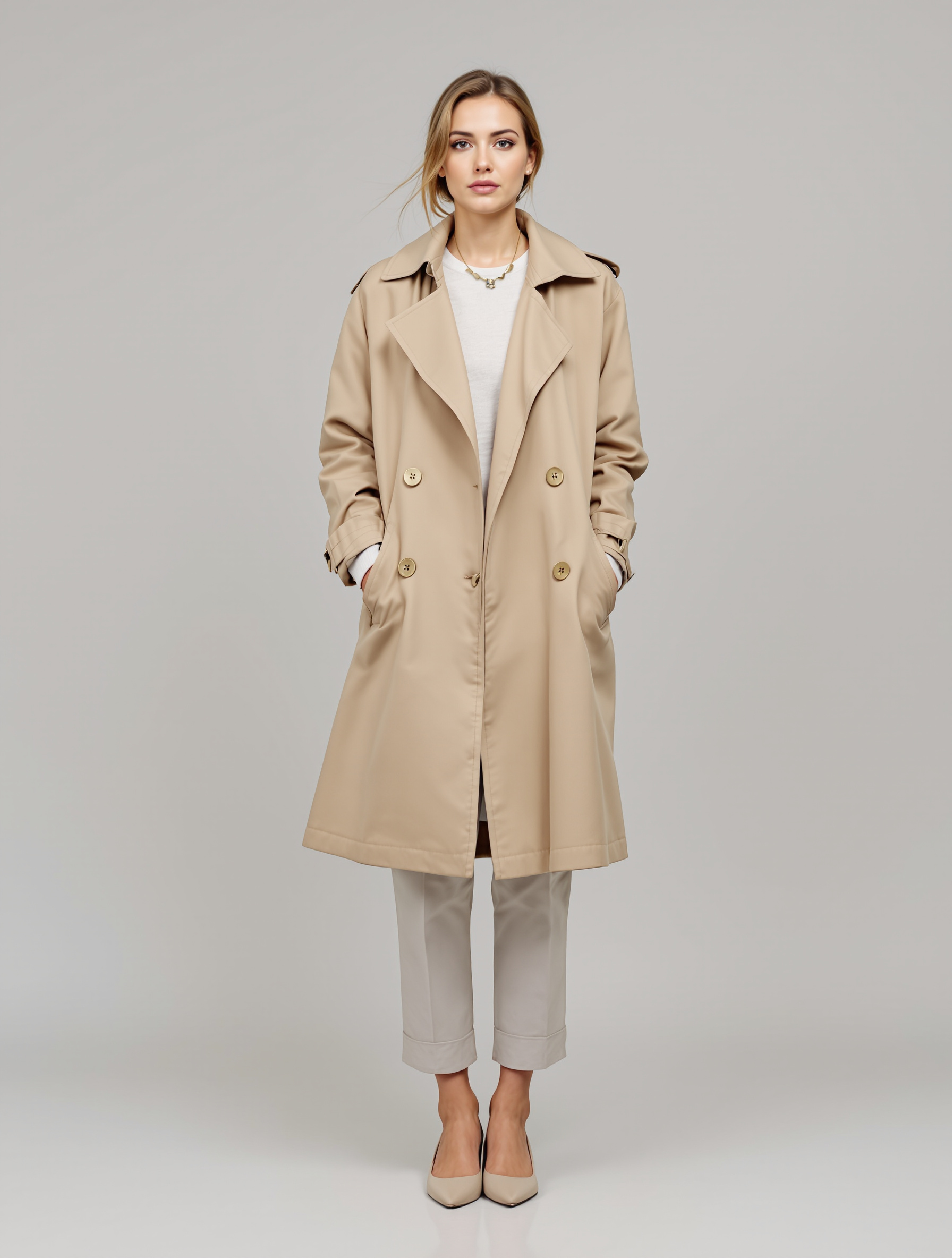
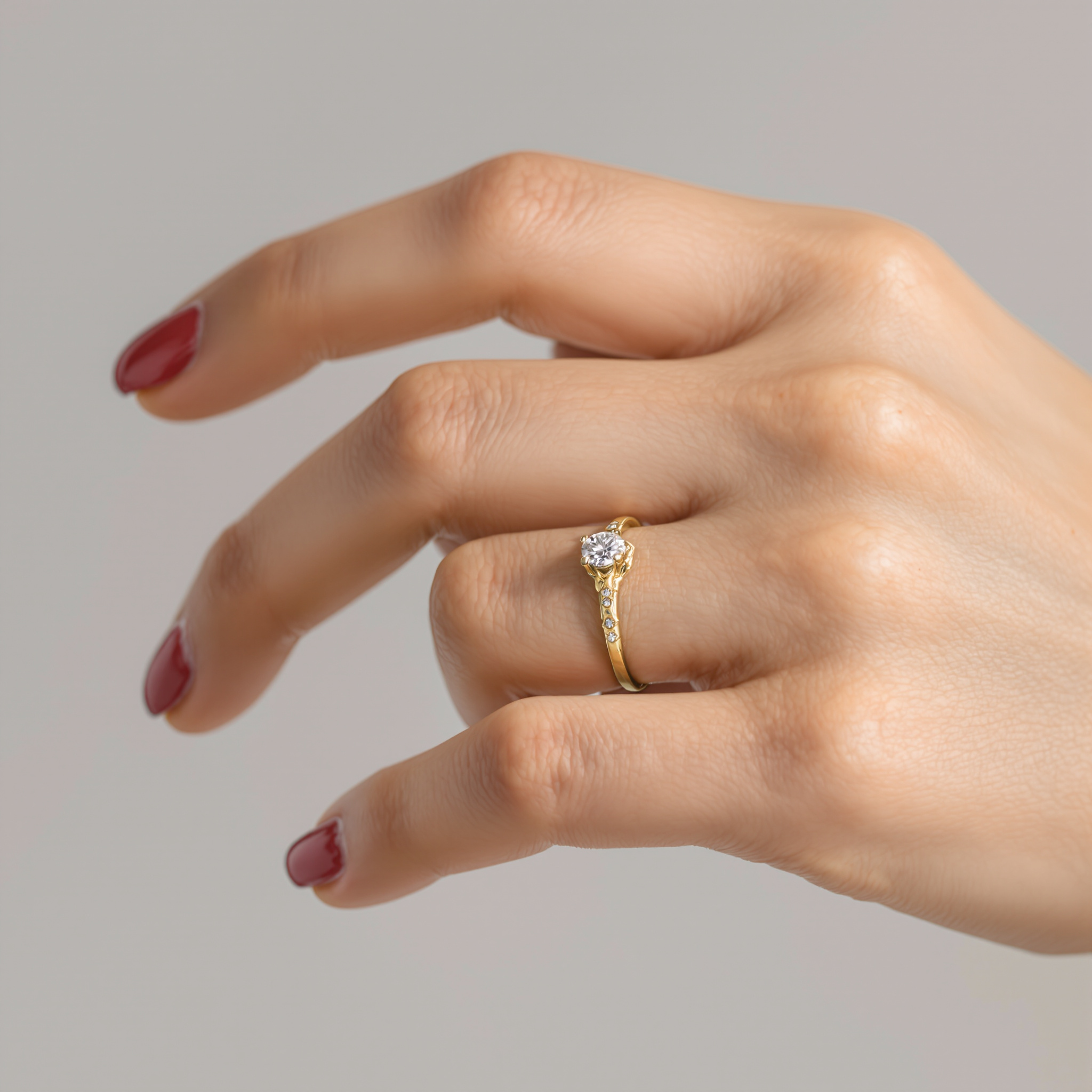
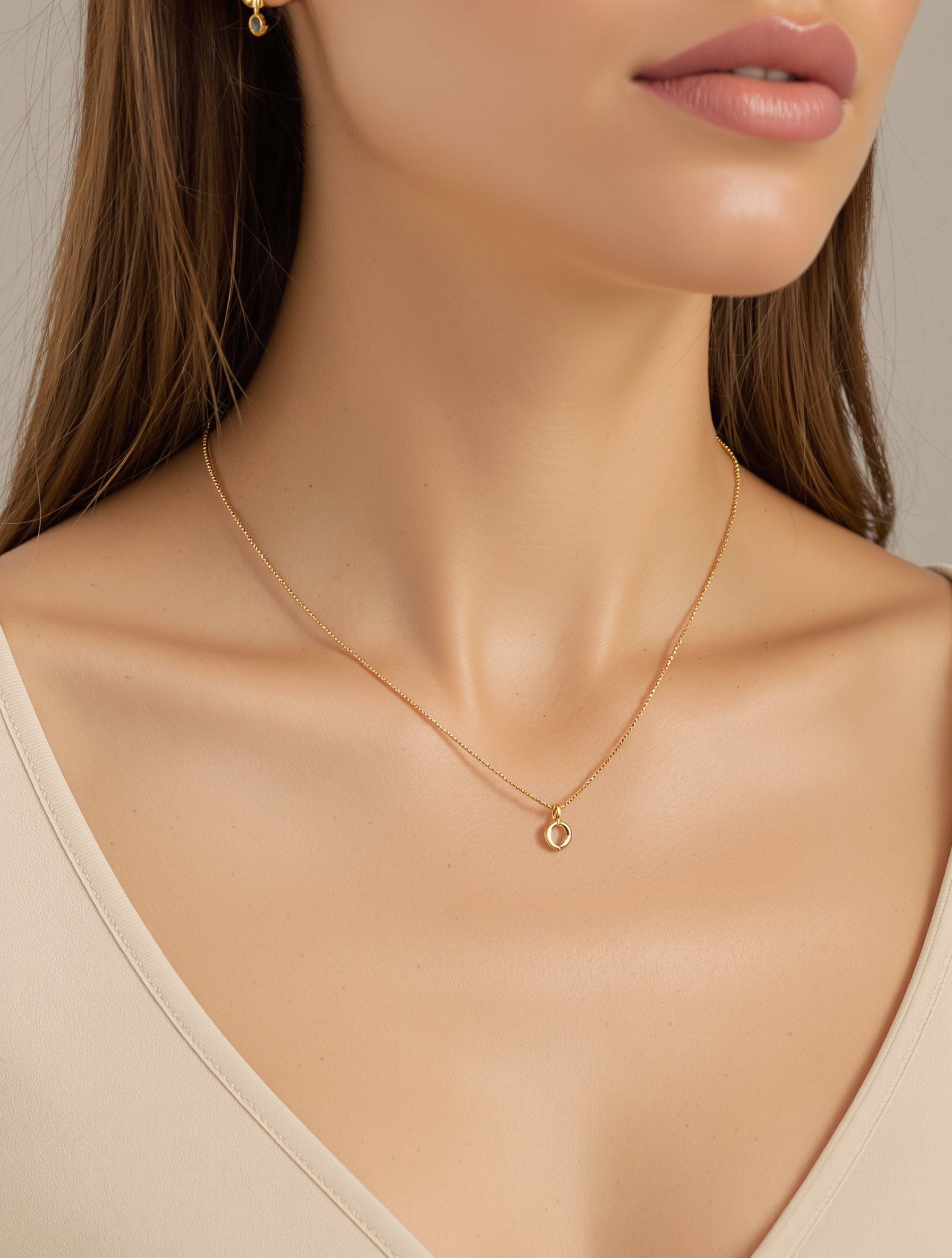
This is how your products look on a model
These are exactly the views Buust generates from a single product photo – clothing on a model, jewelry on a hand, in your shop's style. Your first example is ready in minutes, for free.
Clothing on a model
The same piece, worn by real models – without a shoot.
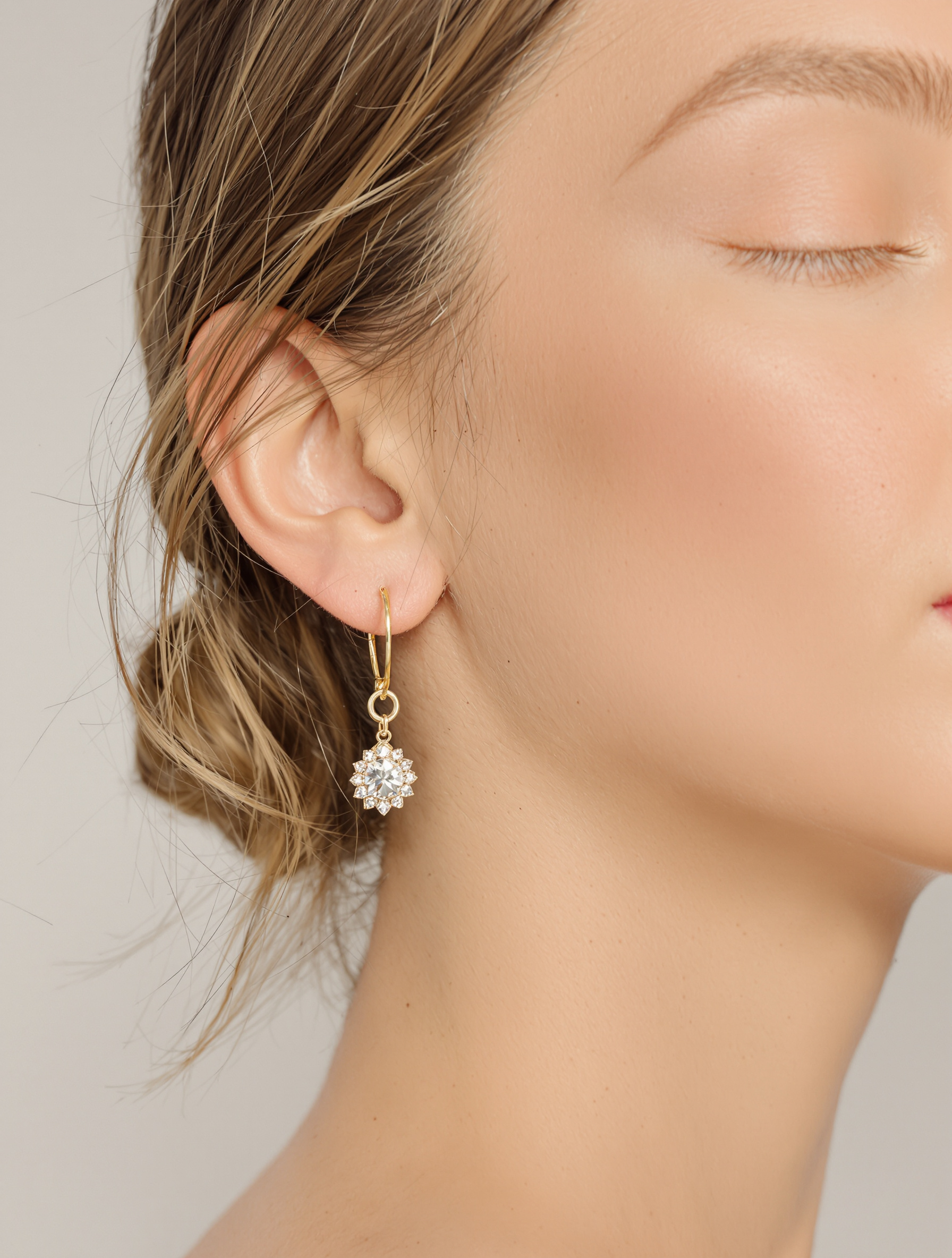
Rings & jewelry
Small, high-value products, worn by hand models.
A model image in four steps
One photo is enough – Buust does the rest, you just approve.
- 01
A photo, nothing more
Buust takes the images already in your listings. A simple phone photo is enough as a starting point.
- 02
Pick style & model
White studio, lifestyle, themed scene or on a model – optionally on your own uploaded model.
- 03
Review & approve
You check the result, adjust the image description if needed and approve. Nothing goes live without your okay.
- 04
Into the listing – and test
The image lands right on the product page. The A/B test measures on real sales and shows you the stronger cover.
Photo shoot vs. Buust
What a model shoot costs – and what Buust makes of it.
Without Buust
- Book a model, photographer and studio
- Days of lead time per collection
- High cost per item – impossible at hundreds
- Later changes mean: shoot again
- The main image stays a gut feeling
With Buust
- Models and hand models included – or your own model
- Finished images in minutes instead of days
- Scales across your whole catalog
- Pick a new style anytime – no new shoot
- A/B test shows the stronger cover on real sales
Frequently asked questions
Do I need my own model for fashion?
No, Buust provides models. But you can upload your own model if every image should match your brand. That way you show clothing and accessories right on the body, without any shoot.
Does this also work for rings and jewelry?
Yes. Show rings on a hand, necklaces on a neck model, earrings in a portrait. For small accessories not worn on the upper body, Buust automatically picks a matching model.
What happens with sets and bundles?
The cut-out recognizes gift baskets, sets and bundles and keeps every piece in. So no product is accidentally removed from the image.
Can I review the result first?
Always. Nothing is published without your approval. You adjust the image description if needed – good for accessibility and for getting your product found more often.
How do I know the AI image really sells better?
The main-image A/B test measures the AI cover against your original on real sales. On request Buust automatically moves the stronger image to the front – you decide based on real numbers.
Show your product on a model
Upload a photo, pick a style and model – and see in minutes how your clothing looks on a model and your ring on a hand.
Uploading a model is free – only the generated image counts as usual.
More Buust products
Videos on a model
Real models wear your clothing item on video — drape and fit in motion, without a shoot.
Model videos3D & AR
Rotatable 3D model with AR: shoppers place your product true-to-scale in their own room — before they buy.
3D & ARAuto-music
Fitting, licensed background music for every product video automatically — matched to your product’s mood and category.
Auto-music