Your shopper sees herself in the product – before she buys
A selfie or full-body photo is enough: right on your product page your shoppers try your product on themselves – and buy with real confidence instead of guessing. The photo is used only for the try-on and deleted immediately afterwards.
- No theme changes
- Photos deleted immediately
- Impact is measured
Summer dress "Lina"
€49
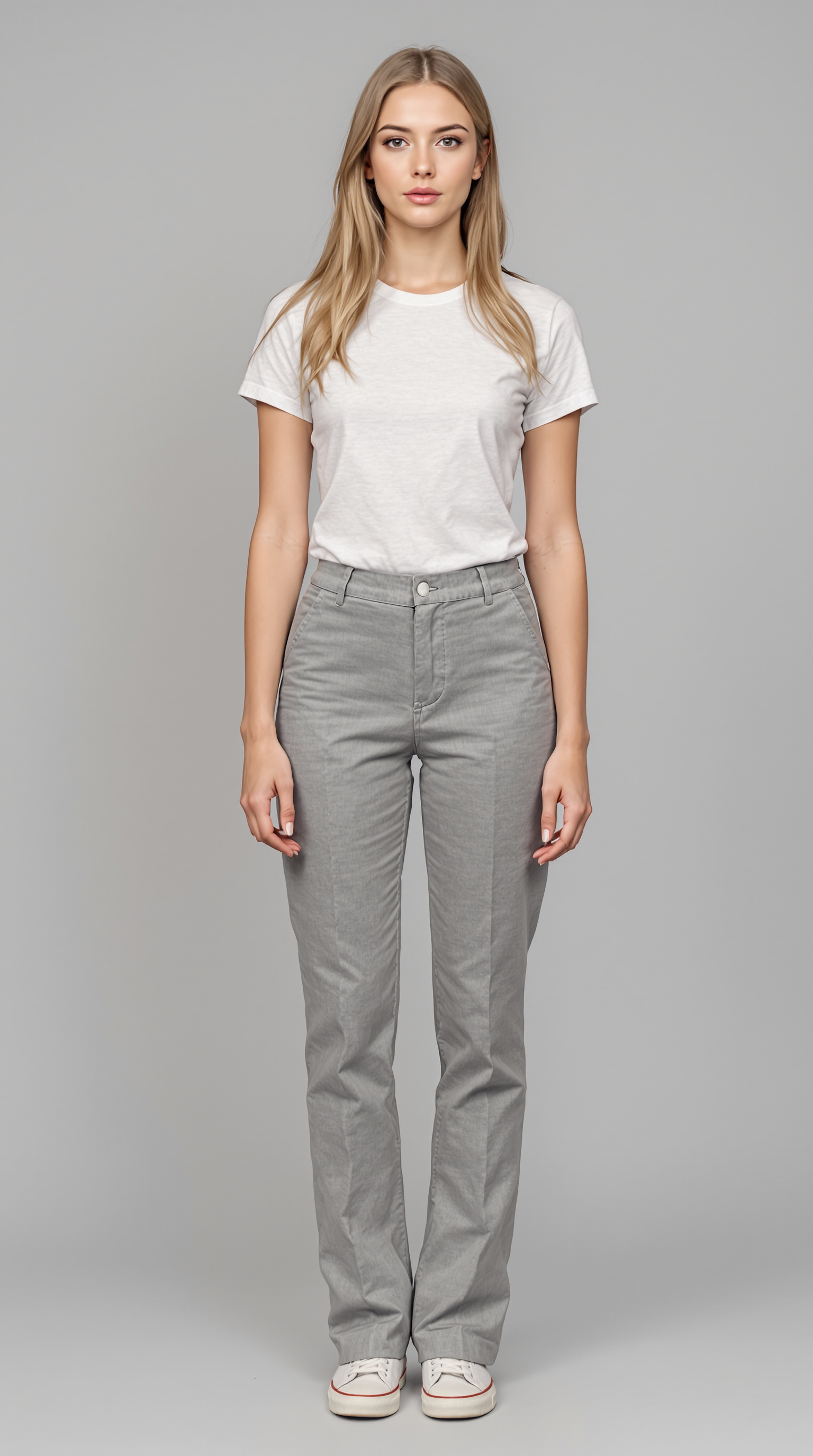
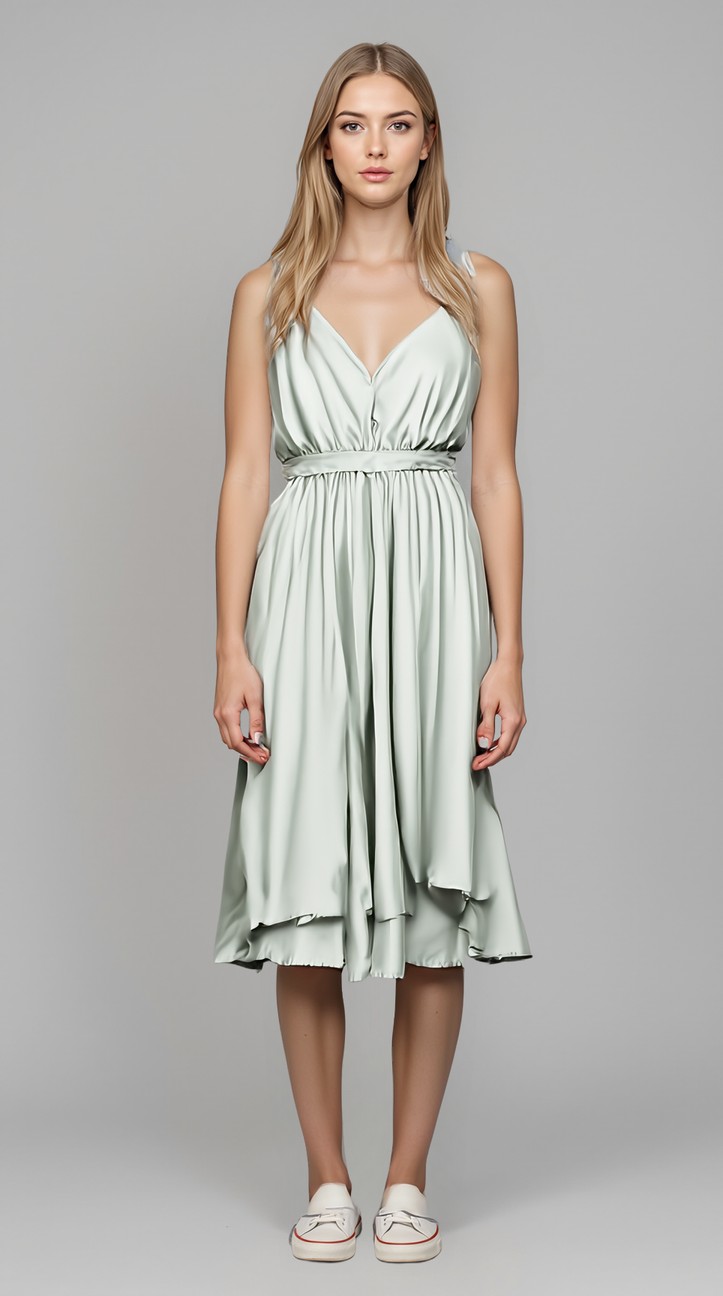 Try-on
The photo is used only for the try-on and deleted immediately afterwards.
This is what your shopper sees: own photo in, try-on result out.
Online has no fitting room
In store you try it on and you know. Online all that is left is guessing – and guessing means hesitating, leaving or sending it back.
- Shoppers cannot picture it on themselves. On a hanger or a stranger model the question "does this suit me?" stays open – and that is exactly when the cart stays empty.
- Fashion has high return rates. People who order unsure often order two sizes or send it back. That eats margin, shipping and nerves.
- A fitting per shopper is impossible. You cannot shoot a photo for every shopper. But that is exactly what would have to happen for her to see herself.
With Buust
- She sees herself – not a stranger model. Your shopper uploads her photo and sees the product on herself. "Does this suit me?" becomes "this is how it looks on me".
- More confidence, fewer wrong orders. Someone who sees how it looks on her before buying picks the wrong thing less often – and sends it back less often.
- You see in black and white what it brings. Buust measures conversion with and without try-on and attributes orders to the try-on – no gut feeling.
A real fitting – right on your product page
One block in your shop, one shopper photo, one result in seconds. You change nothing and rent no studio.
The shopper tries it on herself
On the product page she clicks "Try it on virtually", uploads a selfie or full-body photo and sees herself in the product seconds later. It uses your existing product photos – you do not have to shoot anything new.
- Selfie for tops, full-body photo for dresses and looks
- Matching try-on modes for top, dress or full body
- Runs right in your Shopify shop – no theme changes, one click to activate
Privacy that builds trust
Your shopper’s photo is used only for that one try-on and deleted immediately afterwards – it never ends up in any archive. She actively consents before uploading. So she shares her photo without an uneasy feeling.
- Shopper photos are deleted immediately after the try-on – never stored
- Active consent before anything is uploaded
- No real names or addresses needed – just the photo for the try-on
Real proof of impact, not a gut feeling
Buust shows you how often the try-on is used, how many of those become buyers and what revenue comes from orders with a try-on. You stay in control of cost – a budget cap limits monthly spend.
- Conversion with try-on vs. without – measured on real orders
- Attributed try-on revenue in the Insights area
- Billed per try-on, with a monthly budget cap
Sales uplift
Sales per week
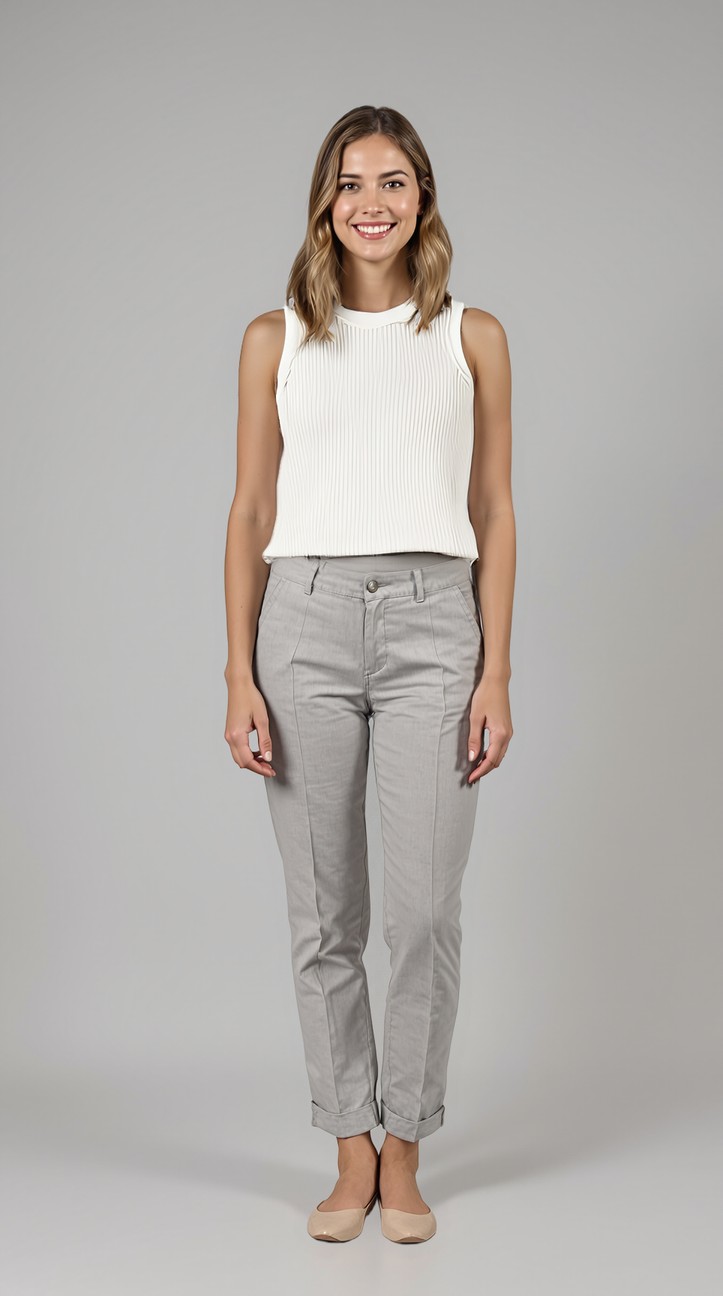
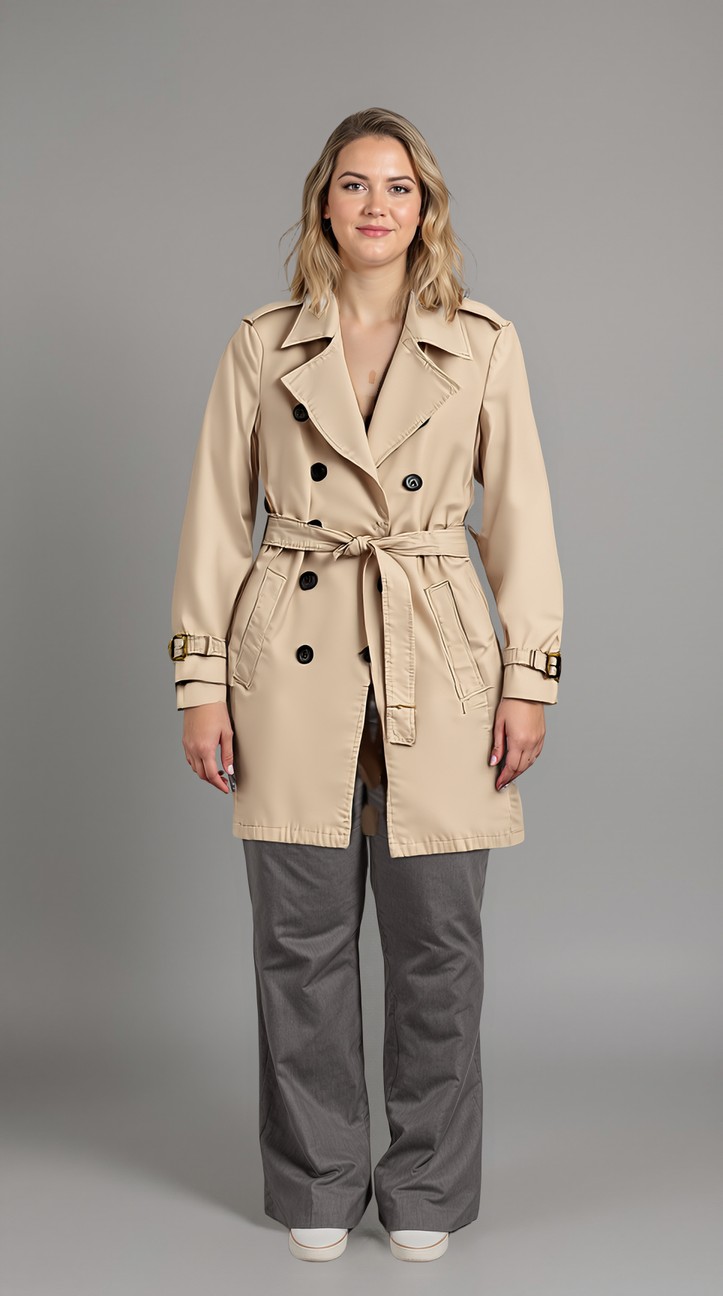
This is what the try-on result looks like
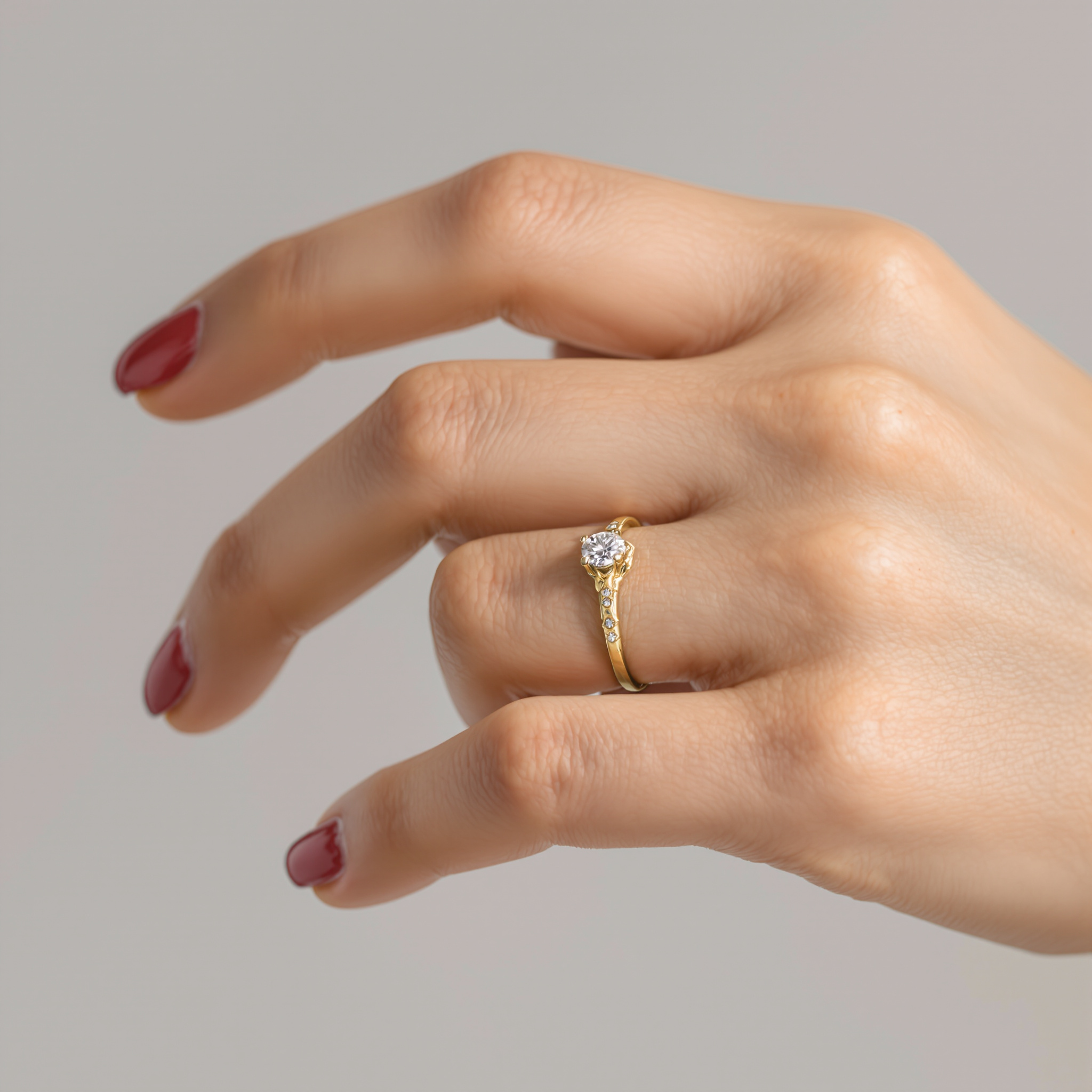
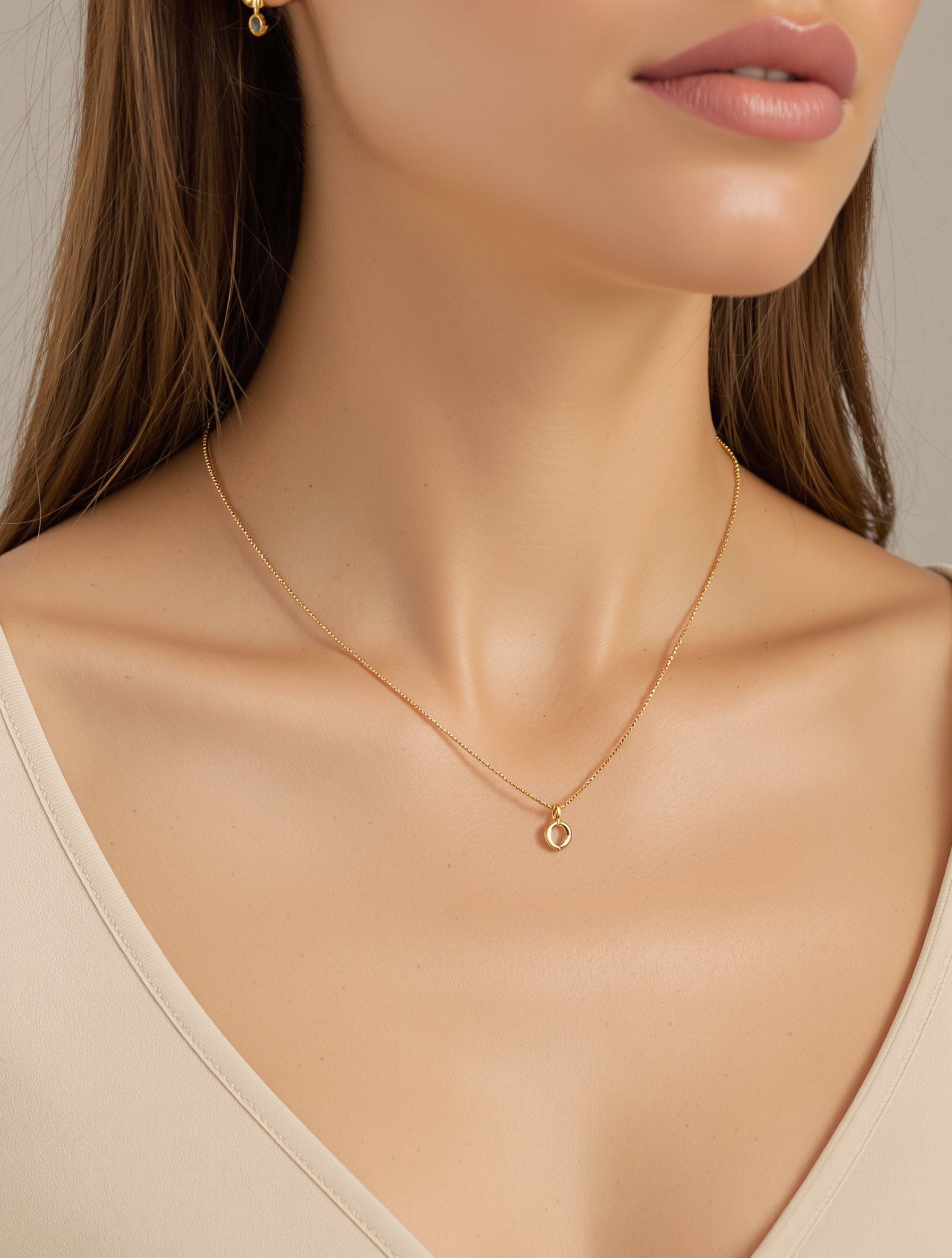
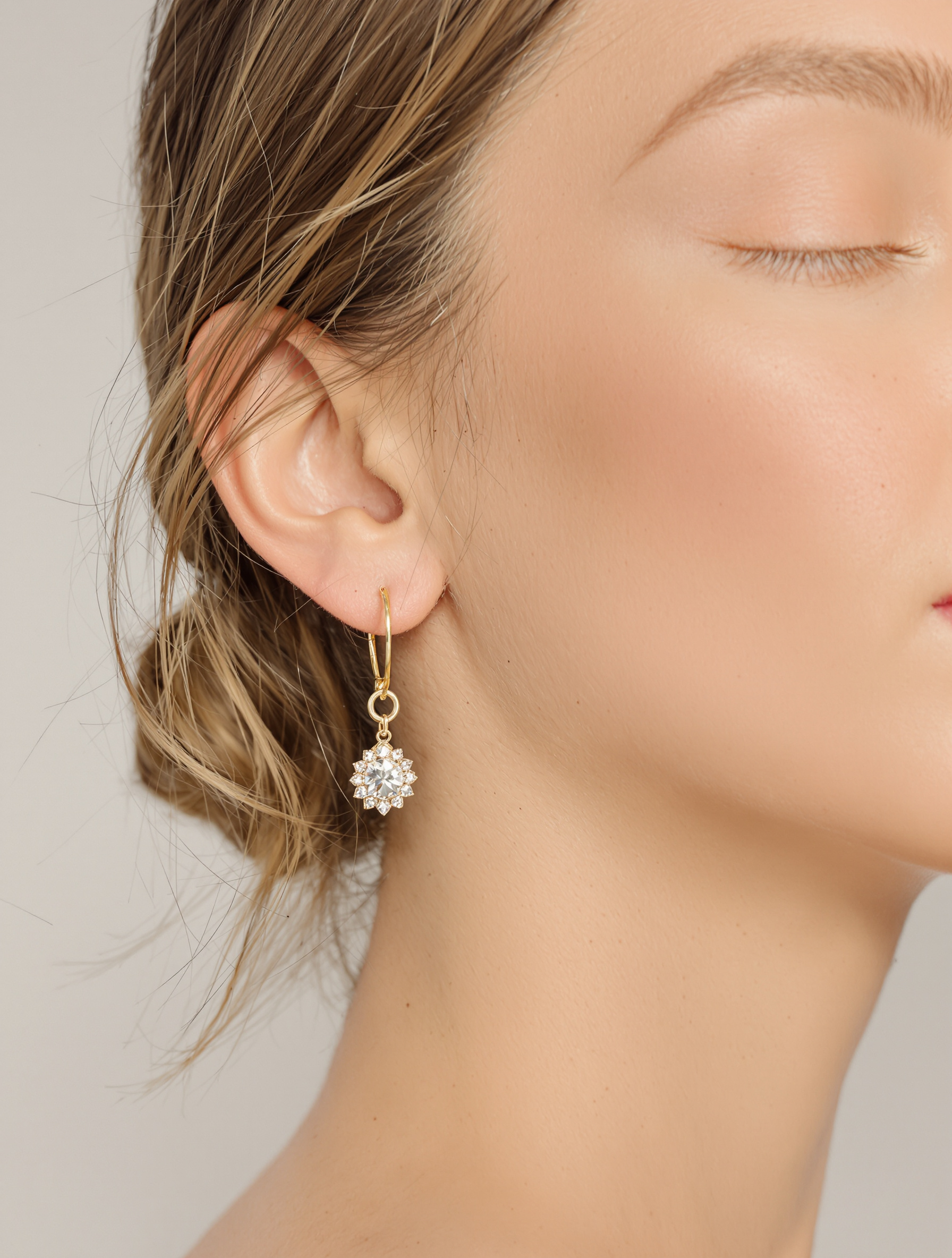
These are exactly the results your shoppers see when they upload their photo – the product on a body, not on a hanger. Fashion as well as worn accessories.
Fashion on a body
The product right on a person – the way your shopper sees it on herself.
Worn accessories too
Rings, necklaces and earrings worn instead of on a white background.
A try-on in your shop in four steps
Activate once – from then on your shoppers try it on themselves.
- 01
Activate the block
The try-on is switched on as a block on your product page. No theme changes, no code – one click in your shop.
- 02
The shopper uploads her photo
She clicks "Try it on virtually", consents to processing and uploads a selfie or full-body photo.
- 03
She sees herself in the product
Seconds later she sees the product on herself. Her photo is deleted immediately afterwards – nothing is stored.
- 04
She buys – you measure the impact
The try-on turns into a cart. Buust attributes the order to the try-on and shows you conversion and revenue.
Guessing online vs. trying on with Buust
What a missing fitting room costs – and what Buust makes of it.
Without Buust
- Shoppers guess whether it suits them
- High return rates on fashion
- A photo per shopper is impossible
- Fitting only in store
- No proof of what the product page really brings
With Buust
- Every shopper sees herself in the product
- Fewer wrong orders because the fit is clear upfront
- One block for your whole shop
- Try-on right on the product page, around the clock
- Try-on conversion and revenue are measured
Frequently asked questions
What exactly does my shopper see?
She uploads a photo of herself and seconds later sees your product on herself – the dress, the top or the look on her own body instead of on a hanger or a stranger model.
Are my shoppers’ photos stored?
No. The uploaded photo is used only for that one try-on and deleted immediately afterwards – it never ends up in any archive. Before uploading, your shopper actively consents to the processing.
Do I have to change my theme or my shop?
No. The try-on is switched on as a block on your product page – one click, no code, no theme changes. It uses your existing product photos.
Which products does the try-on work for?
Best for fashion (tops, dresses, looks) and worn accessories such as rings, necklaces and earrings. For products that are not worn on the body – like shoes or bags – the try-on is limited.
How do I know the try-on really sells?
Buust measures conversion with and without try-on and attributes orders where the try-on was used to attributed revenue. Once enough try-ons add up, you see the comparison in the Insights area – in black and white instead of a gut feeling.
What does it cost?
You pay per try-on and set a monthly budget. Once the budget is reached, the try-on pauses until you raise it or the month resets – so you stay in control of cost at all times.
Give your shoppers their fitting room back
Switch on the try-on on your product page – and let your shoppers see how your product looks on them before they buy.
Activate in minutes · photos are deleted immediately after the try-on.
More Buust products
Images on a Model
From phone photo to sale-ready image – cut out, in the studio, or right on a model, rings included.
Model ImagesVideos on a model
Real models wear your clothing item on video — drape and fit in motion, without a shoot.
Model videos3D & AR
Rotatable 3D model with AR: shoppers place your product true-to-scale in their own room — before they buy.
3D & AR